TL;DR
- The call had two parts: quality work on the core, and new AI features. The main one is the native MCP server, now generally available.
- About one in five of the pull requests merged this cycle came from community contributors. Several of the editor and content-modeling improvements came from them.
- Action item: Strapi v4 has reached end of life (final release 4.26.2). If you are below 5.37, upgrade for the latest security patches.
- The MCP (Model Context Protocol) server lets AI clients like Claude and Cursor read, create, and update your content. Access is scoped through an admin token and RBAC, with no direct database access unless you grant it. It is free on any Strapi project.
- Community demos showed it in use: conversational content editing, content migration, multilingual updates by chat and voice, an ElevenLabs-based narration plugin, and a new skills repository for spec-first building.
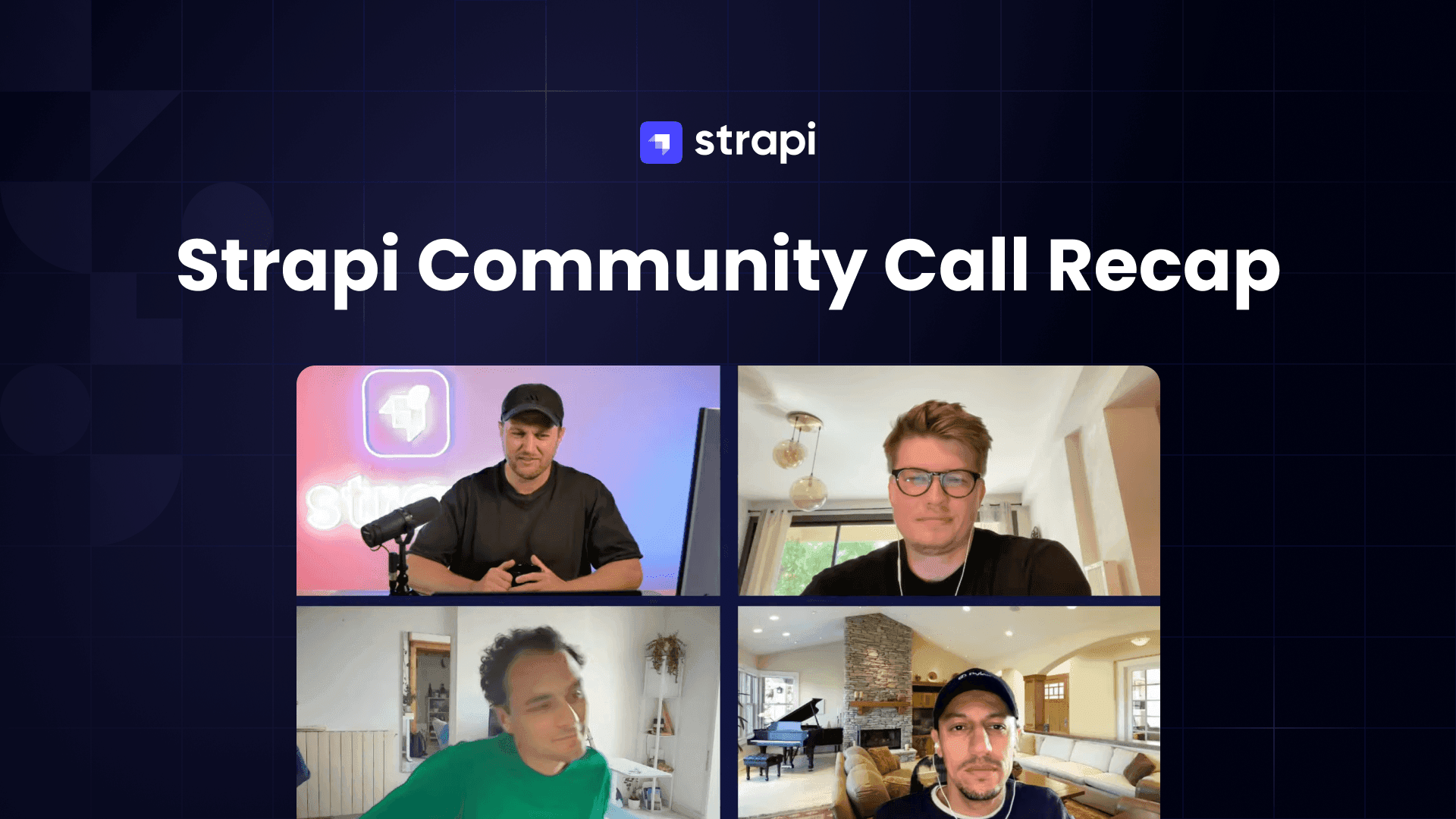
This is a recap for the recent June community Call:
What the call covered
Host Paul opened the call. Marco presented the engineering updates. The rest of the session was community demos of the new MCP server. The updates fell into two groups: quality work on the core, and the move into AI features.
On the quality side, Marco noted that Strapi ships weekly and merges hundreds of pull requests each cycle. About one in five of those came from community contributors rather than the core team. Several of the improvements below came from contributors who needed them.
Quality updates for editors and developers
Four changes stood out for editors:
- Customizable blocks editor. A new API lets you register your own blocks or remove defaults you do not use. This came from a community contributor who needed a color block.
- Media in live preview. You can hover an image or video in the editor and swap the asset to see the change right away, without saving. This is on the Growth plan.
- Sort list views by publication state. This makes it easier to separate published entries from drafts.
- Relation search inside nested components. Relation search now looks inside nested components, which helps with deeply structured schemas.
For developers, the API moved toward stability. The Entity Service API is deprecated and the Document Service is now stable. A new publication filter adds a draft state alongside the published one, so you can run queries like "local drafts that differ from what is live." There is also an optional OpenAPI spec route, and the upload endpoint is now paginated.
Security: upgrade if you are below 5.37
Marco covered security briefly. In this window the team published five security issues, plus a rate-limit bypass and a password-reset issue that did not involve sessions. If you are running below 5.37, he said to upgrade now to get the latest patches.
Strapi v4 end of life
Strapi v4 has reached end of life. It was marked in the codebase alongside the 5.46 release, and 4.26.2 is the final v4 release. Earlier v4 security issues were patched, but there will be no more bug fixes or security patches. If you are on v4 in production, plan the move to v5.
Upgrading to Strapi v4 to v5 docs.
Additional resources here.
A native MCP server, now generally available
The main topic was Strapi's built-in MCP (Model Context Protocol) server, now generally available. Nico built the demo for it but could not attend, so Paul presented it.
If MCP is new to you: it is an open standard for how AI agents find and call tools across your stack, similar to how HTTP standardized web requests. Instead of writing a separate script for each AI assistant, you expose one interface and any MCP-compatible client can use it. With the server built into core, clients like Claude Desktop, Claude Code, and Cursor can read, create, update, delete, publish, and unpublish content through your Content Manager.
The team said this was something they had wanted in core for a while. It is free on any Strapi project, on any plan. The video shows how to enable and connect it.
How MCP permissions work: the admin token
MCP does not use API tokens. Those are for your content API. MCP access is scoped through an admin token tied to RBAC, so there is no direct database access unless you grant it. Permissions apply at three levels: which tools a client can see, which fields it can read or write, and which locales it can use. Each is limited to what the token allows.
By default, the server generates tools from your schema. In Nico's demo, built around a product collection, an order collection, and a store-settings single type, you get tools like list, create, update, and publish for products without writing them yourself. For custom work, the suggested pattern is to put it in a plugin, so the tooling and any custom admin screens stay in one package. Keep the business logic in a service so a controller and route can reuse it. Paul shared a repo and a write-up that walk through this; both are linked from the video.
Check you the MCP docs. How to set up and build custom tools for Strapi MCP blog.
What people built with MCP
The demos showed different uses:
- Conversational content management (Nico's demo). A chat interface over your content. A non-technical user can ask "how did our store perform in the last 30 days?" or "what products are low on stock?" and get an answer through MCP tools instead of using the admin panel. It adds a chat layer on top of the Strapi admin rather than replacing it.
- Marketing automation and migration (Ivars, a founder and systems engineer). In his workflow, Claude acts as a marketing assistant. It reads published articles, drafts new content from a GitHub knowledge base about the company, and publishes back to Strapi without manual copy-paste. The same approach helps with migration: he described changing a tagline across a site, which used to take weeks of finding every place it appeared, sometimes hardcoded, and is now a quick automated pass.
- Multilingual editing by chat and voice (Raul). His demo edited a homepage by conversation, switching a title between Japanese, Chinese, and English, with the change written back to Strapi. It also accepted spoken instructions, and the update showed up in live preview.
- Narration (also Ivars). A community plugin in the plugin store. Add an ElevenLabs API token, add a narration field to a content type, choose the fields to read and a voice, and it generates an MP3, attaches it to the entry, and saves it in the media library. The frontend can then play an audio version of the article.
- Local-first and private data. One demo ran a local model so the tools work offline, exposing private data through MCP only where needed. This allows AI-assisted reporting on data that stays on the local machine.
A skills repository for spec-first building
Paul introduced a new open-source skills repository the team is building with the community.
Paul ran the main example: a builder skill that interviews you before you write code. It produces a set of documents that define the product and its value, then the user and their story, then the functional requirements, and only then the technical choices. You can hand those documents to a tool like Claude Code, which then has the product context as well as the build steps. Marco asked the community which skills would be most useful; the Discord and GitHub discussions are open.
What to do next
If you are below 5.37, upgrade for the security patches. If you are on v4, plan the move to v5, since v4 is end of life. To try MCP, turn it on in a non-production project, connect an AI client with a scoped admin token, and test one of the workflows above. Access runs through the admin token and RBAC, so you control what the client can see and do. The full call has the live demos and code walkthroughs.
Open office hours
Strapi's open office hours are now weekly, every Wednesday at 12:30 PM CST on Discord. Bring your questions.
Strapi starters
If you are looking for a Strapi starter, check out Notum, a Strapi partner the team highlighted on the call.
Their open-source Strapi and Next.js template is production-ready and runs their own client projects: https://strapinextjs.notum.tech/ (code at https://github.com/notum-cz/strapi-next-monorepo-starter).
There is also Strapi Launchpad, the official Strapi demo app, with a Strapi 5 backend and a Next.js frontend.
Try live demo for Launchpad here
Citations
- June Strapi Community Call (source video): https://www.youtube.com/live/wWLSEHZdT48
- MCP server | Strapi 5 Documentation: https://docs.strapi.io/cms/features/strapi-mcp-server