Two months ago, the story was quiet quality work: the unglamorous fixing of small things that quietly get in the way of everyday work. That work didn't stop. What's new this window is that it now runs alongside a second thread, innovation. Across v5.40 through v5.48, Strapi did both at once, and that combination is the story.
On top of a steady base, Strapi took its first real step into new territory: a built-in MCP server, backed by a secure token type built for programmatic access. And the quality kept coming alongside it. Innovation worth shipping needs a stable floor to stand on, and that's exactly what kept being reinforced underneath it. Between the v5.39 release and v5.48, we merged hundreds of pull requests into Strapi, and roughly 22% of them were opened by community contributors. Here's what changed.
Strapi starts becoming AI-native
AI agents can now talk to your Strapi project
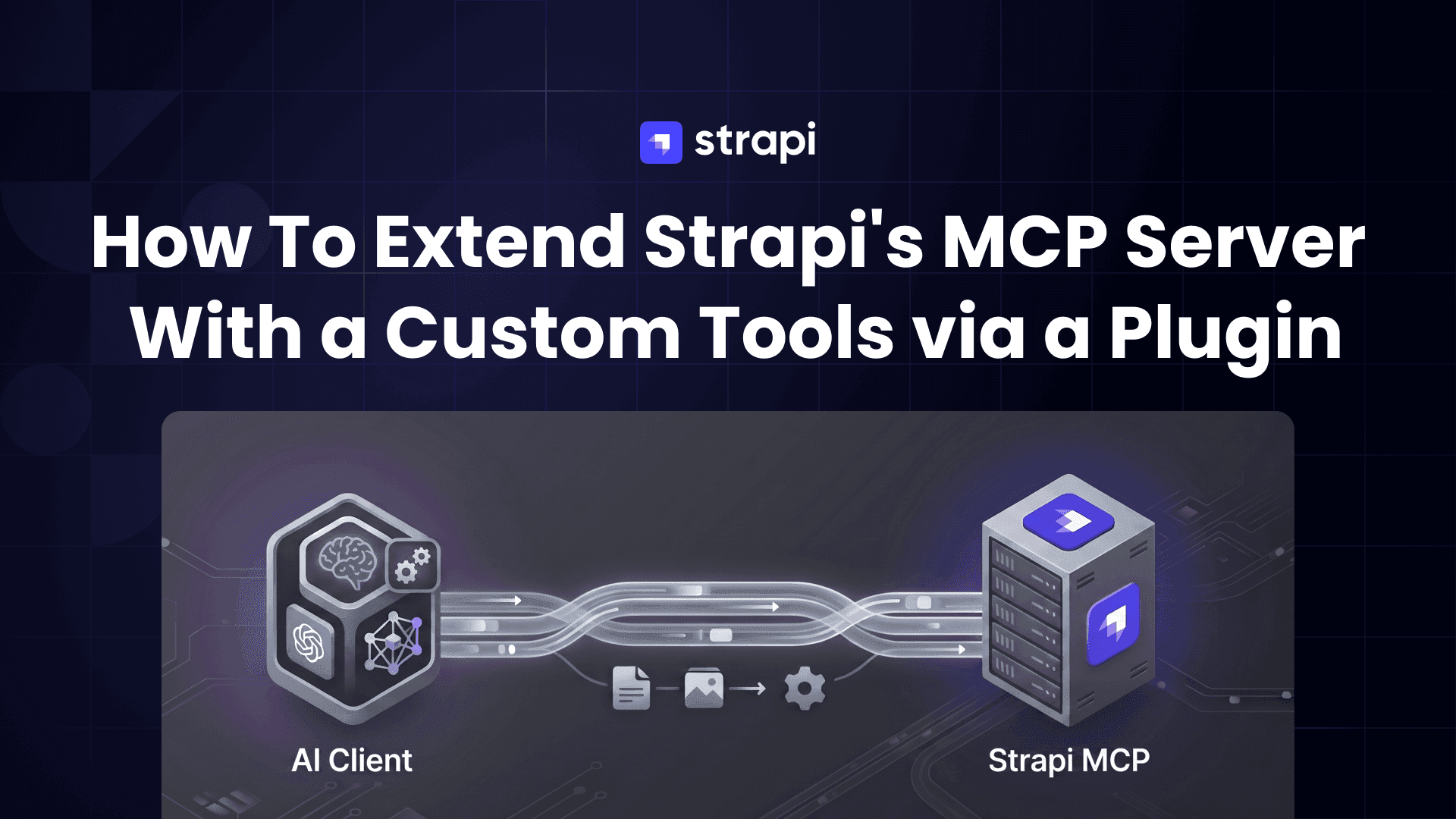
The MCP server landed in v5.47.0 and reached general availability in v5.49.0. Until now, there was simply no way for an AI coding agent like Cursor, Copilot, or Claude to read or write content in a running Strapi instance. The MCP server closes that gap natively: it authenticates with admin API tokens and automatically exposes a set of CRUD tools per content type (find, create, update, publish, unpublish, and more). Furthermore, it's opt-in (server.mcp.enabled is false by default), so nothing is exposed until you choose to turn it on.
The tokens that make the MCP server safe Admin API tokens were built first and foremost to authenticate the MCP server. Each one has an owner, carries admin permissions strictly bounded to that owner's permission ceiling, and is automatically re-clamped when the owner's roles change or revoked the moment the owner is deactivated. That scoping is the point: it lets you hand an AI agent exactly the access it should have and nothing more. They work for any other automation that needs scoped admin access too, but the MCP server is what they were designed for.
Editing and content modeling
You can now customize the Blocks editor
Strapi's default rich-text blocks don't fit every project, and until now there was no supported way to add your own or remove the ones you don't want. v5.46.0 changes that: a new addRichTextBlocks API, called from a plugin's register hook, lets you register custom blocks (a callout, a colored block, whatever your content model needs) or strip out defaults like the code block. This one came from the community, contributed by Alanderson Zelindro da Rosa, who originally needed it to add color support and couldn't find a way to do it.
Live preview now covers images and videos Before v5.46.0, live preview couldn't see media. Image and video fields weren't detected in the preview, so there was no way to click through and swap an asset in context. Now hovering a media asset shows the highlight overlay, double-clicking it opens the media popover, and changing the asset updates the preview without needing to save first. (Live preview requires a Growth plan license.)
Sort the list view by publication status The last roundup added the ability to filter the Content Manager list view by publication status. v5.45.0 completes the pair: you can now sort by it too, so surfacing your drafts or your recently modified entries is a single click on the column.
Relation search works inside nested components Before v5.47.0, searching a relation field that sat inside a nested component didn't work, which forced awkward workarounds in deeply structured content models. That's fixed: relation search now behaves the same wherever the field lives, so complex schemas stop fighting you.
Media Library and uploads
S3-compatible storage got more dependable
The last window added extended configuration for S3-compatible providers; this window hardened it. v5.42.1 and v5.43.0 add support for root-level credentials, teach the provider to trust the Location URL that S3-compatible services return, and update the AWS SDK. If you're running Strapi against Cloudflare R2, MinIO, Backblaze B2, or DigitalOcean Spaces, the path is cleaner and fewer edge cases bite.
The Content API now returns signed URLs Before v5.43.0, assets served through the Content API weren't getting signed URLs, which broke private-bucket setups for anything consuming content over the API rather than the admin. That's fixed: signed URLs are now returned consistently.
A memory blowup in image processing is fixed On busy uploads, Strapi's image processing (via sharp) could exhaust memory under concurrency and cache pressure, taking the process down with it. v5.45.0 fixes the root cause, so heavy upload workloads no longer risk an out-of-memory crash.
Reliability: relations, publishing, and performance
Your relations survive publish, discard, and republish A cluster of fixes closed several ways relations could quietly break during the publish lifecycle: self-referential relations are now preserved through publish and discard, hidden inverse relations are no longer dropped when you publish or update an entry, and relation order is kept intact across unpublish and republish cycles. This is the kind of data-integrity work you only notice when it's missing, and missing relations are exactly the sort of thing that erodes trust in a CMS.
The admin feels faster Performance got steady attention this window. The homepage now renders its widgets progressively and batches permission checks instead of blocking on them (v5.41.0), database migrations got faster (v5.47.0), and excessive rerendering in components and dynamic zones was cut down (v5.40.0). Individually small, collectively the admin is snappier than it was in February.
For developers
The Entity Service is now formally deprecated
v5.40.0 sends a clear signal about which API to build on. In the type definitions, the @beta annotation was removed from the Document API (strapi.documents) and @deprecated was added across the Entity Service (strapi.entityService and friends), with the deprecation messages pointing explicitly to the Document Service. This is a type-level and JSDoc change rather than a product announcement, but the direction is unambiguous: the Document Service is where new work should go, and the Entity Service is on its way out. If you've been deciding whether to migrate, your editor will now nudge you.
Query across draft and published in a single parameter
Draft & Publish already exposed status and a row-level publishedAt, but a lot of genuinely useful queries live across both, "never published in this locale", "the draft differs from what's live", "a published row with no draft peer". Those can't be expressed as a filter on one column. This release window adds publicationFilter (see the v5.47.0 notes), an explicit query parameter with cohort modes that works in REST, the document service, and GraphQL, and applies correctly through nested populate. The older hasPublishedVersion parameter still works and is mapped onto the new modes, so existing clients don't break.
Security
The security headline this window was a coordinated disclosure, not a dependency bump. On May 13, Strapi published five patched CVEs, two of them critical: a SQL injection in the Content-Type Builder (CVE-2026-22599, CVSS 9.3) and a sensitive-data exposure through relational filtering (CVE-2026-27886), alongside a rate-limit bypass, a password reset that didn't revoke sessions, and a MIME-type validation bypass in the Upload plugin. The fixes shipped in earlier releases, so the action item is simple: if you're below v5.37.0, upgrade now. [LINK: Strapi security disclosure, https://strapi.io/blog/security-disclosure-of-vulnerabilities-cve-2025-64526-cve-2026-22599-cve-2026-22706-cve-2026-22707-and-cve-2026-27886]
Strapi 4 has reached End of Life
This belongs right next to the security news, because it's the other half of the same point. Strapi 4 has officially reached End of Life, and v5.46.0 formally marked it as such in the codebase. The five CVEs above were patched for v4 LTS as a final courtesy, but that's where it ends: no more bug fixes, and no more security patches. If you're still running v4 in production, you no longer have a safety net, and every week on it is a week of accumulating risk against vulnerabilities that will never be fixed.
If you've been putting off the upgrade, this is the moment to stop putting it off. The migration path to v5 is well documented and the tooling is mature, and v5 is where every improvement in this roundup, and everything that comes next, actually lives.
This post covers the changes most likely to matter in your day, but it's a curated slice. Dozens of smaller fixes and improvements shipped alongside everything described here, and the release notes have the complete picture, they're worth a read if you're upgrading across several versions.
A real share of this work came from outside the core team. Of the hundreds of pull requests merged in this window, roughly a fifth were opened by community contributors, people reporting bugs, proposing fixes, and submitting code, like the customizable Blocks editor that started as one developer scratching their own itch. Strapi is open source, and its quality is a shared responsibility. The more people who report issues, open pull requests, and push proposals forward, the better Strapi gets for everyone. There's always more to fix and more to build, and we'll keep doing it together.
To see the full list of changes, visit the release notes: