Build landing pages on the fly
Build flexible page layouts with Dynamic Zones. Define reusable components and let content managers assemble pages independently. Skip rigid templates. Enable dynamic content structures without extra dev work.
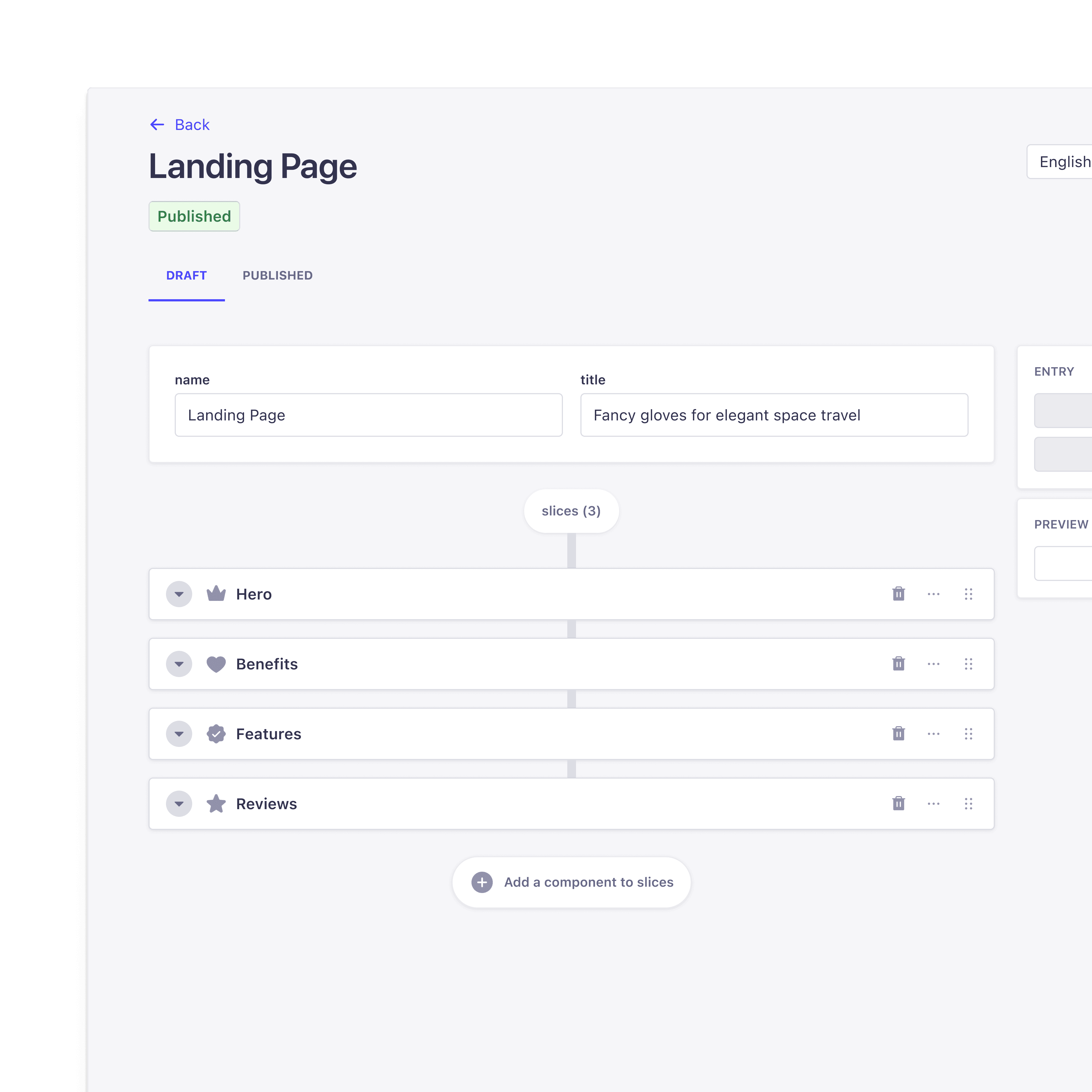
Try an interactive demo
Build dynamic page layouts without developer bottlenecks
Use Dynamic Zones in Strapi to give content managers the freedom to assemble, customize, and reorder page layouts—without touching code. Less dev work, more agility.

Flexible content structures
Define reusable components that editors can mix and match to create dynamic layouts, so your team can skip rigid templates and hardcoded pages.
Faster content updates
Enable content teams to build and modify pages instantly, so they don’t have to wait for developer support to make simple layout changes.
Developer control, editor freedom
Let developers maintain structured architecture while content managers gain layout autonomy, so teams can work more efficiently without compromising control.

Reusable Components
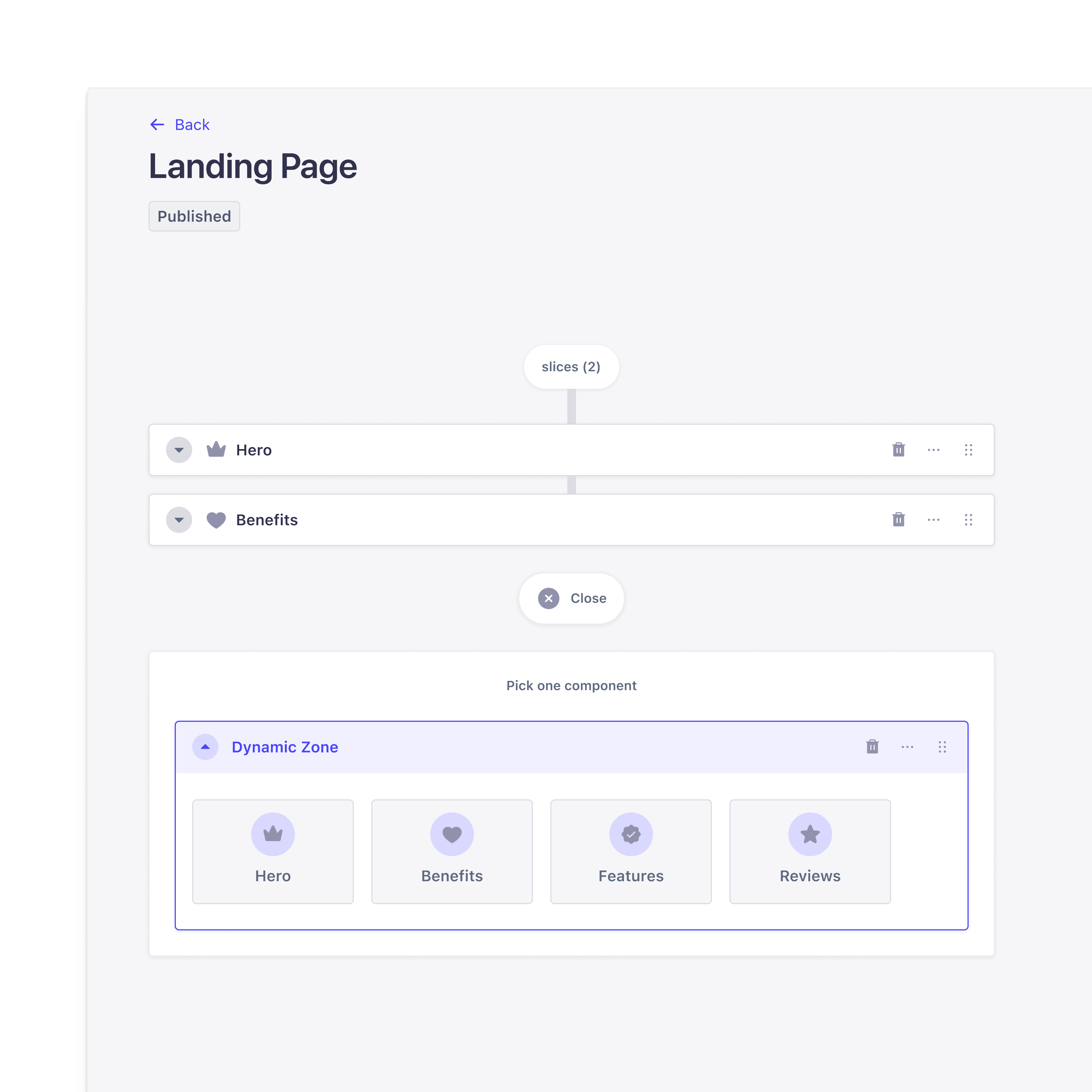
Developers can create modular content blocks like text sections, image galleries, and CTAs that can be reused across multiple pages, ensuring content consistency while reducing redundancy.
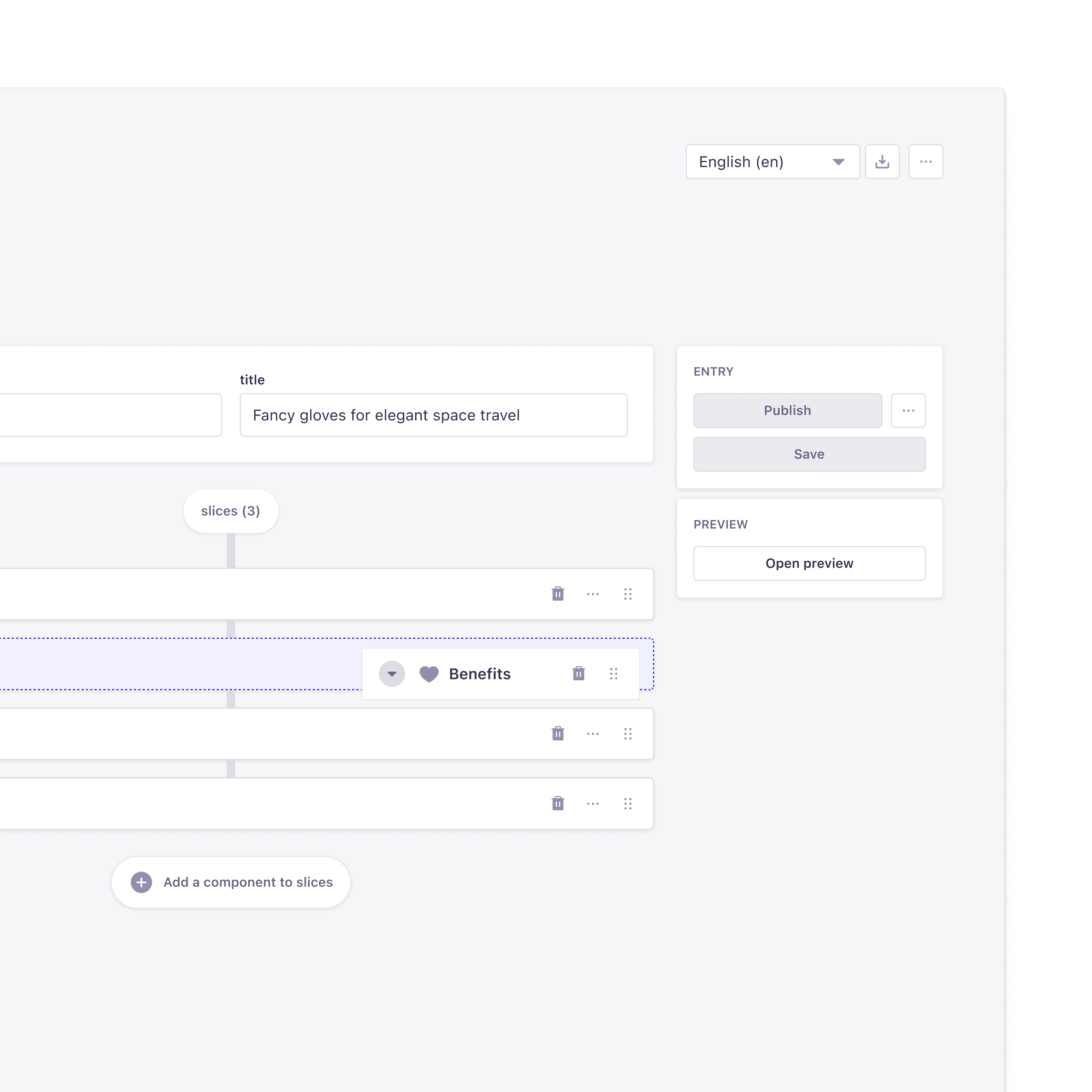

Drag-and-Drop Editor
Content managers can reorder sections dynamically in the Strapi admin panel, making layout adjustments instantly without developer intervention.

Structured API Responses
Dynamic Zones return structured JSON data, making it easy to query via REST and GraphQL APIs, while seamlessly integrating with frameworks like React, Vue, Next.js, Nuxt, and Svelte for flexible content rendering.

Component Type Constraints
Developers can control which components are allowed inside a Dynamic Zone, preventing layout inconsistencies and ensuring content integrity.

Multi-Component Support
Editors can mix and match multiple component types within a single Dynamic Zone, allowing for rich, flexible content layouts without requiring new templates.

Localization & Internationalization
Fully compatible with Strapi's i18n plugin, Dynamic Zones allow localized content variations, enabling editors to adjust content per language while maintaining a consistent structure.

Role-Based Access Control (RBAC) Compatibility
Permissions can be configured to restrict editing access to specific Dynamic Zones or components, ensuring that only authorized users can modify critical content sections.
"Dynamic Zones are perfect for component-driven flexible pages"
Rowan Bottema, Technical Architect at DEPT®