Co-authored by Paul Bratslavsky and Chris from Coding in Public
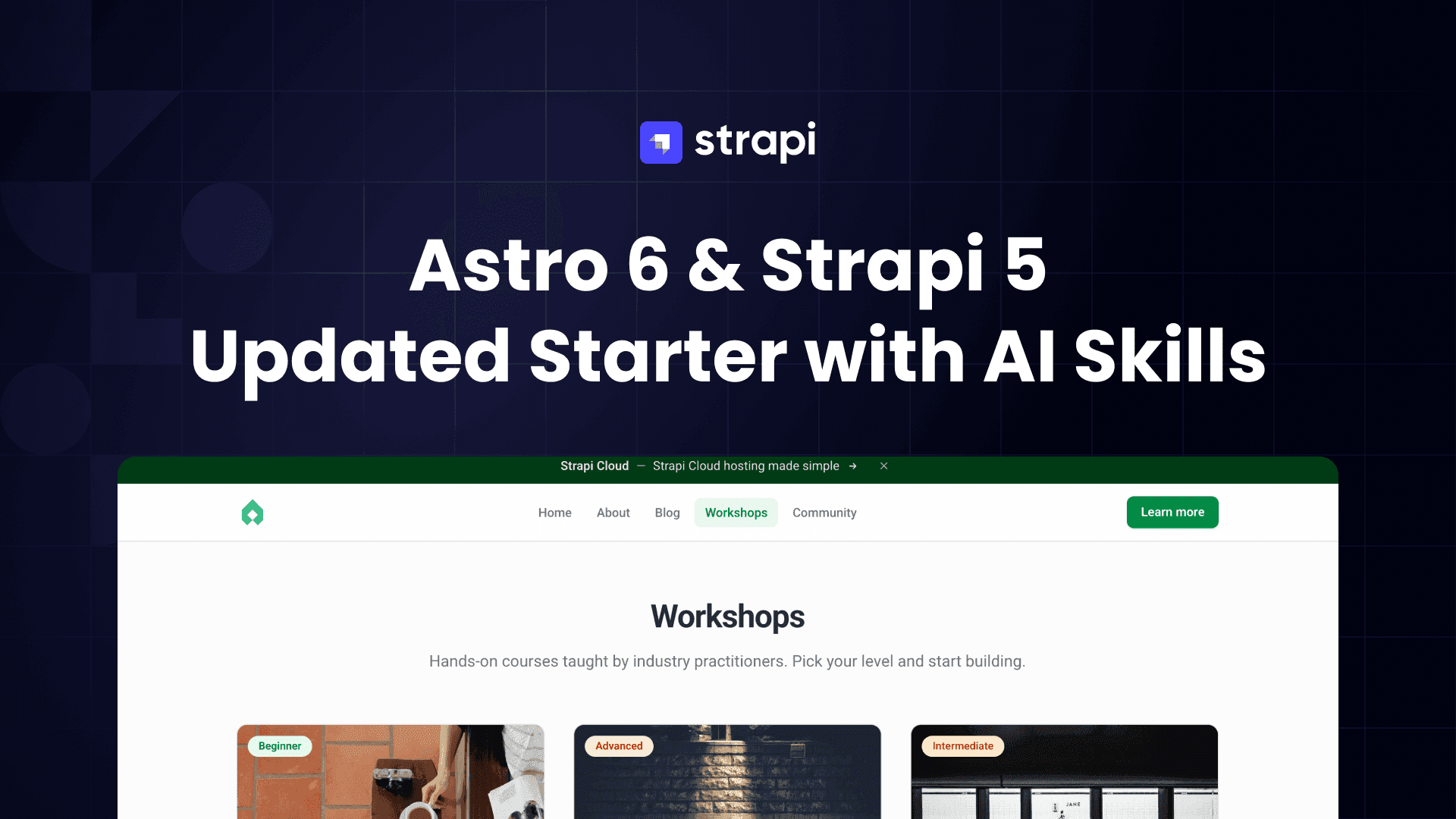
With Astro 6 now out, we wanted to take the opportunity to cover what's new and share how we updated our Astro starter for Strapi.
Overall the migration was smooth. Our only hiccup was needing to update the community loader to handle the Zod 3 to Zod 4 transition. The good news, the loader now supports Astro 6.
TL;DR
Astro 6 — New dev server, Node 22 minimum, Zod 4, Fonts API, live collections, built-in CSP, and an experimental Rust compiler.
Starter setup — Clone, yarn setup && yarn seed && yarn dev, and you have a working Astro 6 + Strapi 5 site with seed data out of the box.
/add-page skill — A Claude Code skill that scaffolds new pages end-to-end: Strapi content type, seed script, Astro collection, and styled templates in one command.
What's New in Astro 6
Chris from Coding in Public did a full walkthrough of everything that landed in Astro 6. You can watch the full video here, but we will cover all the highlights.
If you're wondering where I learned Astro — it's from Chris and his Astro course. Highly recommend it.
- Rebuilt Dev Server — Closes the gap between dev and production environments.
- Node 22 Minimum — Node 18 and 20 are dropped. You need 22.12.0+. Double-check your deploy runtime.
- Zod v4 — Ships Zod 4 instead of Zod 3. Some APIs are deprecated, and the internal class hierarchy changed — this is what broke our loader (details below).
- Legacy Content Collections Removed — The old
src/content/directory approach is gone. Use the Content Layer API withcontent.config.tsand explicit loaders. - Schema Function Signature Deprecated —
schemaas an async function is deprecated. Use a staticschemaproperty orcreateSchema()instead. - Fonts API (Stable) — Declare fonts through a single API — no more
<link>tags or@font-face. We use it with Roboto via Google Fonts. - Live Content Collections — Fetch fresh on every request via
getLiveEntry()andgetLiveCollection()inlive.config.ts. Great for data that can't be stale. - Built-In CSP — Script and style hashing handled automatically for both static and dynamic pages.
- Experimental: Rust Compiler — Opt-in, early stage, but noticeably faster.
- Experimental: Queued Rendering — Replaces recursive rendering with a two-pass queue. Faster and more memory-efficient. Planned as default in Astro 7.
- Experimental: Route Caching — Platform-agnostic caching with web-standard semantics. Skips re-rendering unchanged pages on rebuild.
Breaking changes worth noting: <ViewTransitions /> → <ClientRouter />, Astro.site → import.meta.env.SITE, Zod imports unified as astro:zod. See the full Astro v6 upgrade guide.
Updating the Community Loader
The Zod 4 change broke our strapi-community-astro-loader — it was bundling its own Zod 3, which conflicted with Astro 6. We published v4.0.0 to fix it. The loader no longer bundles Zod, and schemas are now defined in defineCollection() instead of inside the loader:
// Before (loader v2/v3)
const strapiPosts = defineCollection({
  loader: strapiLoader({ contentType: "article", schema: articleSchema, ... }),
});

// After (loader v4)
const strapiPosts = defineCollection({
  loader: strapiLoader({ contentType: "article", ... }),
  schema: z.object({ ... }),
});
Under the hood, the loader uses @strapi/client, pages through all content automatically, and calls Astro's parseData() for Zod validation. It also uses generateDigest() to fingerprint entries so Astro can skip unchanged content on rebuilds. Full source is on GitHub.
Getting Started with the Astro 6 and Strapi 5 Starter
If you want to get up and running with Astro 6 and and Strapi 5 quickly, clone the astro-strapi-example-project and run three commands:
git clone https://github.com/PaulBratslavsky/astro-strapi-example-project.git
cd astro-strapi-example-project
yarn install
yarn setup
yarn seed
yarn dev
Both the Astro and Strapi servers start together. The seed script populates your Strapi instance with content so you have a working site immediately — no manual data entry needed.
The starter includes:
- Astro 6 with Tailwind CSS v4 theming (
@themedirective, custom design tokens) - Strapi 5 (latest) with seed data
- strapi-community-astro-loader v4 for content collections
- A landing page built from composable blocks (hero, cards, FAQs, newsletter)
- A blog with paginated listing and article pages
- Dynamic pages driven by Strapi's block editor
- Global header, footer, and banner managed from Strapi's admin
Extending the Project with Claude Code
The starter includes a Claude Code skill that lets you add new pages without manually wiring up Strapi schemas, Astro collections, and page routes. One command scaffolds the full stack — from database schema to styled frontend.
The skill supports two page architectures:
- Collection pages (workshops, team, events) — creates a new Strapi collection type with its own API, seed data, listing page, and detail pages
- Block-based pages (community, about, pricing) — creates an entry in the existing Page collection type using dynamic zone blocks — no new Astro page file needed
The starter already includes a community page and workshops collection that were built this way — a single /add-page command created the Strapi content types, seed scripts, Astro collections, and styled pages for both.
The skill handled both a collection page (workshops at /workshops) and a block-based page (community rendered via the catch-all [slug]/index.astro route) in one pass.
Adding the Skill to Your Project
The skill lives in .claude/skills/add-page/ and comes with the starter. If you want to use it in a different Astro + Strapi project, copy it over:
# From the starter repo, copy the skill into your project
cp -r .claude/skills/add-page /path/to/your-project/.claude/skills/add-page
Or make it available globally across all your projects:
cp -r .claude/skills/add-page ~/.claude/skills/add-pageProject-level skills live in .claude/skills/, global skills live in ~/.claude/skills/. Claude Code checks both locations.
The skill is just a markdown file — you can open .claude/skills/add-page/SKILL.md and update it for your own stack, design patterns, or conventions. Or use it as a starting point to create entirely new skills. For a deeper look at what agent skills are and how to build your own, check out What Are Agent Skills and How to Use Them.
Let's Try It Together
Let's build a FAQ page from scratch using the /add-page skill so you can see the full workflow.
Open Claude Code in the project root and run:
> /add-page faq

Create a FAQ page with two parts:

1. A landing page at /faqs with a hero section with a heading
"Frequently Asked Questions" and subtext, followed by all FAQs
grouped by category with expandable accordion-style sections.

2. A FAQ collection type with individual FAQ entries. Each FAQ
should have: question (string), answer (richtext), category
(enum: getting-started, content-management, deployment,
customization), and sortOrder (integer). Create 8 sample FAQs
(2 per category).The skill will:
- Create the Strapi content type —
server/src/api/faq/with schema, controller, routes, and service - Write a seed script — creates 8 sample FAQs across 4 categories, sets public permissions, and adds "FAQs" to the nav
- Add the Astro collection — registers
strapiFaqsincontent.config.tswith a Zod schema and populate config - Build the page — creates a listing page at
client/src/pages/faqs/that groups FAQs by category with accordion sections
Once it finishes, seed and restart.
Then visit http://localhost:4321/faqs to see the result.
Under the Hood: How the Data Pipeline Works
Curious how we handle data loading in our Strapi starter? Whether you're using the /add-page skill or building pages manually, understanding the data pipeline will help you get the most out of the project.

We demonstrate two ways to load data from Strapi: the content loader and the Strapi client. You could use the loader for everything, but we wanted to include both approaches as examples.
Content Collections via the Loader
For collection types like articles and pages, we use the loader inside content.config.ts. Each collection pairs a loader (what to fetch) with a Zod schema (how to validate it). We use reusable schemas like imageSchema to keep things DRY:
// content.config.ts
import { defineCollection, z } from "astro:content";
import { strapiLoader } from "strapi-community-astro-loader";

const clientConfig = {
  baseURL: import.meta.env.STRAPI_BASE_URL || "http://localhost:1337/api",
};

const imageSchema = z.object({
  url: z.string(),
  alternativeText: z.string().nullable().optional(),
});

const strapiPosts = defineCollection({
  loader: strapiLoader({
    contentType: "article",
    clientConfig,
    params: {
      fields: ["title", "slug", "description", "content", "publishedAt"],
      populate: {
        featuredImage: { fields: ["url", "alternativeText"] },
        author: {
          fields: ["fullName"],
          populate: { image: { fields: ["url", "alternativeText"] } },
        },
      },
    },
  }),
  schema: z.object({
    title: z.string(),
    slug: z.string(),
    description: z.string().nullable().optional(),
    content: z.string().nullable().optional(),
    publishedAt: z.string().nullable().optional(),
    featuredImage: imageSchema.optional(),
    author: z.object({
      fullName: z.string(),
      image: imageSchema.optional(),
    }).optional(),
  }),
});

export const collections = { strapiPosts, strapiPages, strapiWorkshops };
The params object controls what Strapi sends back — only the fields and relations your templates actually use. The schema validates every document at build time, so you catch mismatches early instead of shipping broken pages.
Then you query it in pages — everything is fully typed from the Zod schema:
---
// blog/[slug].astro
import { getCollection } from "astro:content";

export async function getStaticPaths() {
  const collection = await getCollection("strapiPosts");
  return collection.map((article) => ({
    params: { slug: article.data.slug },
    props: article.data,
  }));
}

const { featuredImage, author, title, content } = Astro.props;
---

<h1>{title}</h1>
{author && <p>By {author.fullName}</p>}
Direct Queries via the Strapi Client
For single types like global settings (header, footer, banner) that don't map to a content collection, we use @strapi/client directly:
// utils/strapi-client.ts
import { strapi } from "@strapi/client";

const BASE_API_URL = (import.meta.env.STRAPI_BASE_URL ?? "http://localhost:1337") + "/api";
const strapiClient = strapi({ baseURL: BASE_API_URL });

// Query single types with nested populate
const data = await strapiClient.single("global").find({
  populate: {
    header: {
      populate: {
        logo: { populate: { image: { fields: ["url", "alternativeText"] } } },
        navItems: true,
        cta: true,
      },
    },
  },
});
Same @strapi/client package under the hood — the loader just wraps it with Astro's content layer. Both use a single STRAPI_BASE_URL environment variable.
Populate Best Practices
Getting populate right makes a real difference in payload size. Three patterns we use:
// 1. Only fetch specific fields
fields: ["title", "slug", "publishedAt"]

// 2. Populate a relation with field selection
populate: {
  author: {
    fields: ["fullName"],
    populate: { image: { fields: ["url", "alternativeText"] } },
  },
}

// 3. Handle dynamic zones with the "on" syntax
populate: {
  blocks: {
    on: {
      "blocks.hero": {
        populate: { image: { fields: ["url", "alternativeText"] } },
      },
      "blocks.card-grid": { populate: { card: true } },
      "blocks.markdown": true,
    },
  },
}
Without fields, Strapi returns every column. Without targeted populate, you get either nothing or everything. For a deep dive, check out Demystifying Strapi's Populate and Filtering.
Alternative approach: Instead of managing populate configs from the Astro side, you can handle it entirely in Strapi using route-based middleware. This lets you define default population logic server-side so every API response comes back fully populated — no populate params needed from the client. See Route-Based Middleware to Handle Default Population for how to set that up.
Handling Strapi Images
Strapi returns relative image paths like /uploads/photo_abc123.jpg. Our StrapiImage component resolves them to full URLs:
---
// components/StrapiImage.astro
import { Image as AstroImage } from "astro:assets";

const BASE_URL = import.meta.env.STRAPI_BASE_URL ?? "http://localhost:1337";
const { src, alt, height, width, class: className } = Astro.props;

function getStrapiMedia(url: string | null) {
  if (url == null) return null;
  if (url.startsWith("http") || url.startsWith("//") || url.startsWith("data:")) return url;
  return `${BASE_URL}${url}`;
}
---

{getStrapiMedia(src) && (
  <AstroImage src={getStrapiMedia(src)} alt={alt || "No alternative text"}
    height={height} width={width} class={className ?? undefined} />
)}
Handles absolute, relative, and data URLs. Astro's <Image /> handles optimization from there.
Wrapping Up
The loader is open source at github.com/PaulBratslavsky/strapi-community-astro-loader — issues and PRs welcome. The full Astro starter is at github.com/PaulBratslavsky/astro-strapi-example-project.
Want to go deeper on Astro? Chris from Coding in Public has an Astro course he's currently updating for v6.