This post is based on our livestream conversation with Kadi Kraman, Developer Experience Engineer at Expo.
TL;DR
- Expo is the Next.js of React Native — it handles all the complex native tooling so you can focus on building your app
- Start with Expo Go for learning and prototyping; switch to development builds for production (no limitations)
- CNG (Continuous Native Generation) means you never commit native folders — they're auto-generated and disposable
- React Native renders actual native components, unlike Flutter which draws its own UI
- Three styling options: Built-in StyleSheet, NativeWind (Tailwind), or Unistyles (best for theming)
- EAS services handle building, submitting, and updating your apps — no Mac required for iOS builds
- You can write server code directly in your React Native app with
+api.tsfiles - Meta officially recommends Expo for React Native development

Why Choose Expo for Mobile Development?
Think of Expo as the Next.js of React Native. Just as you wouldn't manually configure Webpack and bundlers when building a React web app, Expo eliminates the complexity of native mobile development tooling.
The Problem Expo Solves
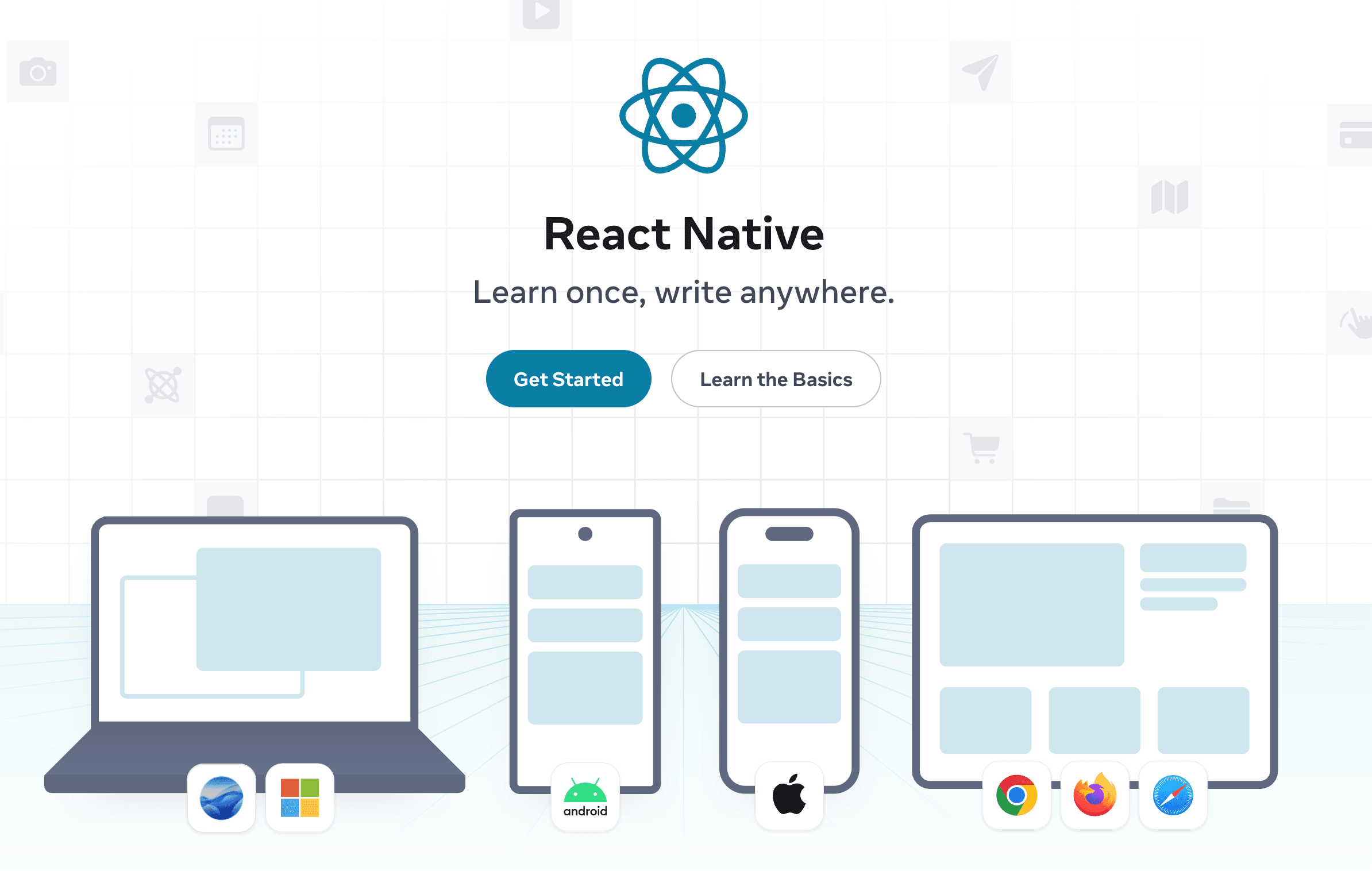
React Native by itself is a toolkit of APIs and a JavaScript runtime, but it doesn't provide a complete framework for building apps. For example, navigation between screens isn't included out of the box.
Without Expo, you'd need to:
- Manually configure native build tools (Xcode, Android Studio)
- Research and choose from dozens of libraries for basic functionality
- Manage native iOS and Android folders manually
- Handle complex upgrade paths when React Native versions change
What Expo Provides
Expo is a collection of libraries, utilities, bundlers, and a complete ecosystem that makes building React Native apps pleasant and straightforward. Key benefits include:
- Expo SDK: A curated set of native libraries guaranteed to work together (video, audio, haptics, push notifications, etc.)
- Expo Router: File-based routing similar to Next.js
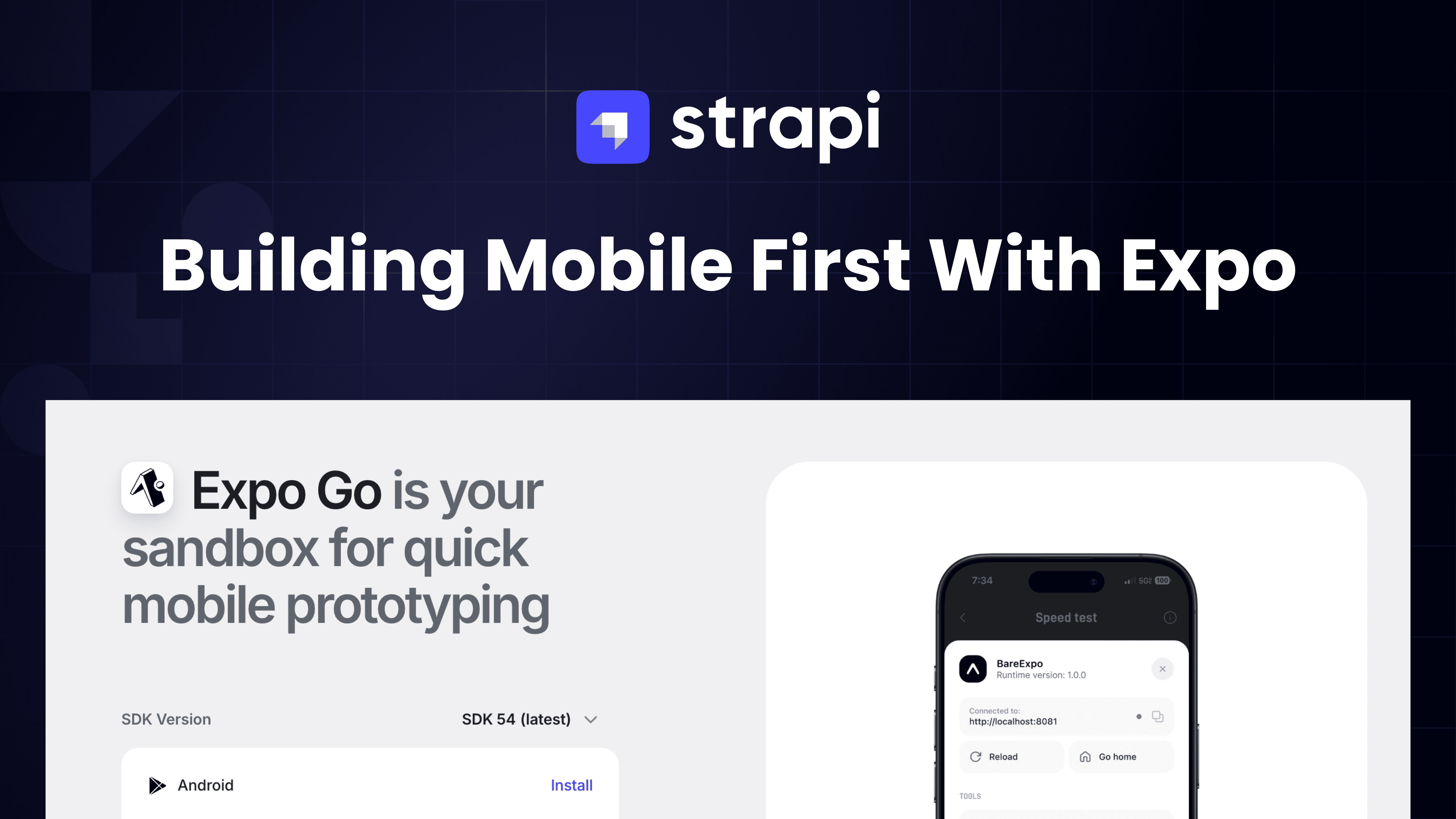
- Expo Go: Test your app instantly on your phone without building native binaries
- CNG (Continuous Native Generation): Native folders are generated automatically and can be thrown away and regenerated
React Native vs. Flutter: Understanding the Difference
A common question is how React Native compares to Flutter. The key distinction is in rendering: Flutter renders on Skia (a graphics engine), essentially drawing its own UI that hooks into native APIs. React Native, on the other hand, renders actual native components. When you build a button in React Native, it's a real native button, not a simulation. This is why React Native apps are often described as "native apps" — because they truly are.
Getting Started: Expo Go vs. Development Builds
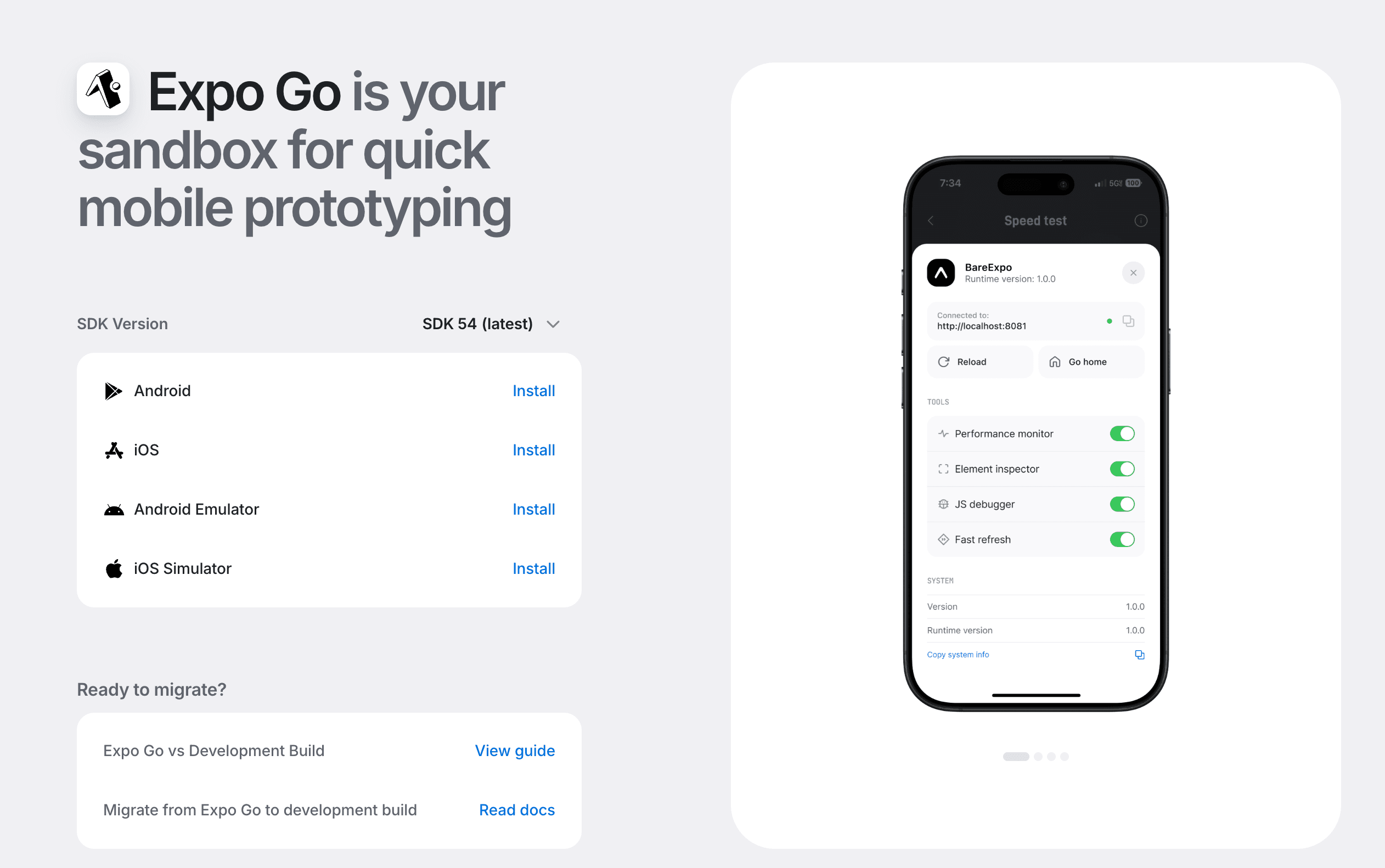
Expo offers two approaches for development, each suited to different stages of your project.
Expo Go: Perfect for Learning and Prototyping
Expo Go is an app you download from the App Store or Play Store. It contains pre-built native code for the most common libraries, allowing you to start developing immediately without any native build tools. Simply write JavaScript/TypeScript, and your code runs instantly on your device.
Best for: Learning React Native, rapid prototyping, hackathons, and getting that first "app on your phone" moment. This instant feedback loop is why many AI-powered app builders (like Replit) use Expo under the hood.
Limitations: Not all libraries are included. Some Expo SDK libraries (like expo-video) and third-party packages won't work in Expo Go.
Development Builds: Production-Ready Flexibility
When you're ready for production or need libraries not included in Expo Go, you switch to development builds. Instead of using the Expo Go app, you create your own native shell with exactly the libraries you need.
Best for: Production apps, custom native code, any library from the React Native ecosystem.
Key insight: There are no limitations with development builds. Once you move past Expo Go, you have full access to native code. You can even write custom native modules in Swift or Kotlin using the Expo Modules API.
Continuous Native Generation (CNG): The Secret Sauce
One of Expo's most powerful features is CNG (also called "prebuild"). Traditional React Native development requires you to commit and maintain iOS and Android folders, managing native code directly. With CNG:
- Your native folders are git-ignored
- They're generated automatically from your package.json, app.json, and node_modules
- Upgrades become trivial: delete the native folders, regenerate with new versions
If you need to modify native configuration (like editing Info.plist or the app delegate), you create config plugins instead of editing files directly. These plugins run during generation, making your changes repeatable and testable.
Styling Your App: Three Approaches
Coming from web development, you might wonder about styling options. React Native offers several approaches:
| Approach | Description | Best For |
|---|---|---|
| StyleSheet (Built-in) | React Native's built-in styling API. Can be verbose for theming. | Projects that want zero dependencies |
| NativeWind | Tailwind CSS for React Native. Familiar utility classes. | Web developers wanting quick start |
| Unistyles | Like StyleSheet but with better theming support (light/dark mode). | Apps needing robust theming |
Pro tip: If you want your app to look distinctly "native" rather than like a website, study the Apple Human Interface Guidelines and Google Material Design specs. Expo UI (currently in beta) is also exposing more native components like segmented controls and glass buttons.
Deployment: From Code to App Store
Deploying mobile apps is fundamentally different from web deployment. You need to handle code signing (certificates and provisioning profiles) and pass through a manual review process. Expo offers several services to streamline this:
- EAS Build: Cloud-based CI/CD that builds your native apps. Particularly valuable because you need a Mac to build iOS apps — EAS Build provides that infrastructure.
- EAS Submit: Uploads your built apps to the App Store and Play Store. Free to use and essential since Apple requires specific tools (Transporter) to upload apps.
- EAS Update: Push JavaScript updates without going through app store review. Fix bugs instantly.
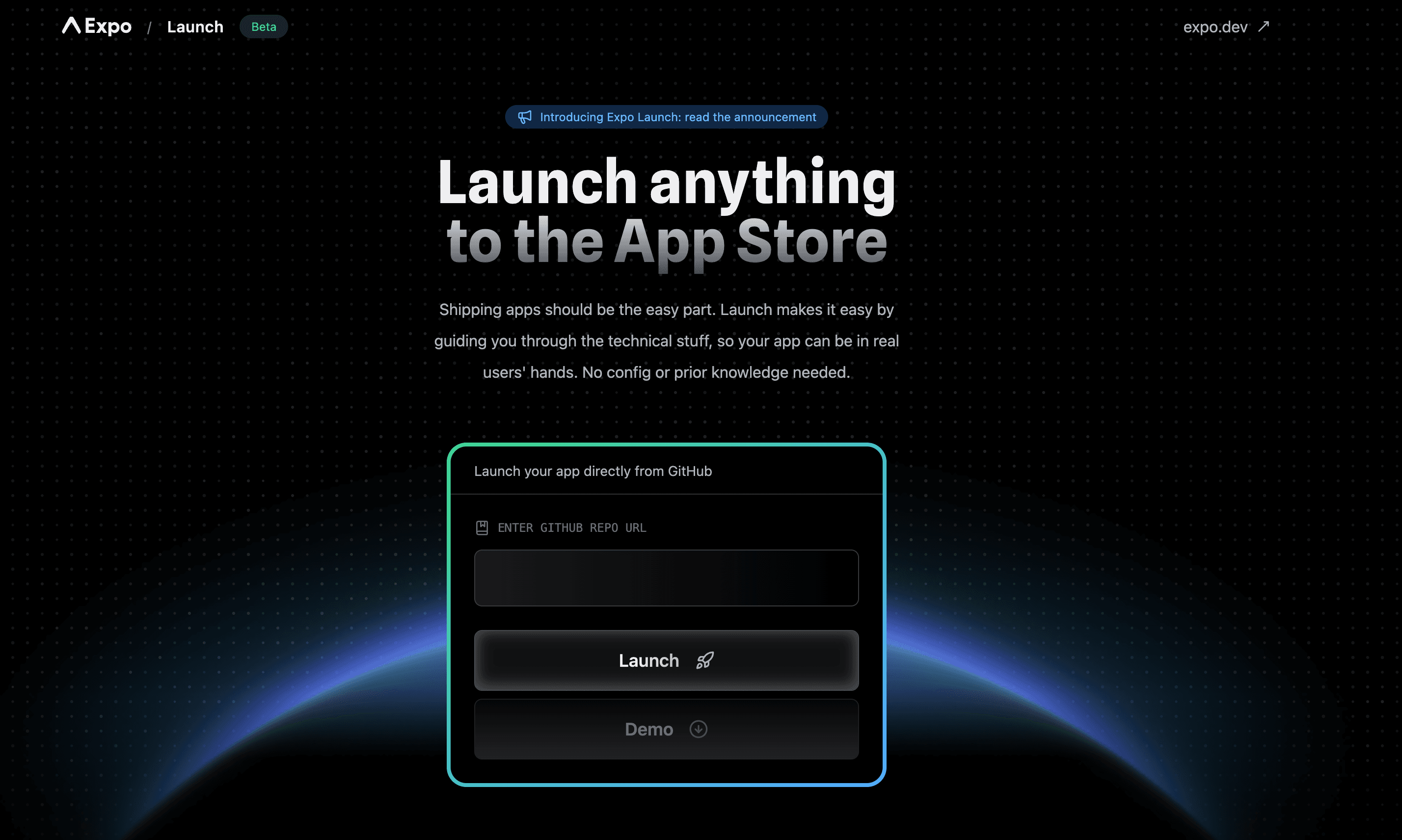
- Expo Launch: A new beta product that takes a GitHub repo and handles everything — building, signing, and submission. Currently supports public repos and iOS (Play Store coming soon).
Writing Server Code in Your React Native App
A powerful recent addition is the ability to write API routes directly in your React Native codebase. Create files ending in +api.ts in your source folder:
// src/posts+api.ts
export function GET() {
  return Response.json({ message: "Hello from server!" });
}
Environment variables without the EXPO_PUBLIC_ prefix are only accessible in these server routes, keeping your secrets safe. Deploy with EAS Hosting and you have a full-stack mobile app with backend API routes.
AI-Assisted Development with Expo
The Expo ecosystem is particularly well-suited for AI-assisted development. With Expo Go's instant feedback loop, tools like Replit and various AI coding assistants can help users go from idea to working app in minutes.
However, there's an important distinction between "vibe coding" (letting AI write everything) and AI-assisted development. Even when using AI tools, you still own the code and are responsible for testing, iterating, and ensuring quality. AI can give you a starting point, but professional development still requires understanding what the code does.
Resources like MCPs (Model Context Protocols), cursor rules, and Claude rules allow experts to codify best practices that AI tools can use as a source of truth — resulting in much higher quality generated code than generic training data.
Coming Soon: Performance Observability
Expo is developing an observability product for monitoring app performance — think Lighthouse scores but for native apps. You'll be able to track metrics like JavaScript bundle load time, see how different app versions affect performance, and identify slow devices or sessions.
Quick Start Checklist
- Install Node.js and create a new project with
npx create-expo-app@latest - Download Expo Go on your phone for instant testing
- Run
npx expo startand scan the QR code - Read the Expo docs (docs.expo.dev) — they have an AI assistant built-in
- Check React Native Directory (reactnative.directory) for community libraries
Additional Learning Resources
To continue your learning journey, here are some excellent resources:
Video Resources
- Full Stack React Native Course by Tube Guruji: A comprehensive 4+ hour course building a local business directory app from scratch using React Native, Expo, and a full backend. Perfect for hands-on learning.
Written Tutorial
- Building a React Native App with Expo and Strapi: A Complete Guide: A detailed step-by-step tutorial from the Strapi blog covering project setup, NativeWind styling, data fetching with React Query, and building a complete blog app with infinite scroll. Read it here.
Conclusion
Expo has transformed React Native development from a complex, native-tooling-heavy process into something that feels almost as simple as web development. For React developers, there's never been a better time to start building mobile apps.
The key takeaways: Start with Expo Go for learning, graduate to development builds for production, embrace CNG to avoid native folder maintenance, and leverage EAS services for painless deployment. With these tools, you can go from idea to app store in record time.
Meta officially recommends Expo for React Native development, and it's clear why: the developer experience is exceptional, the ecosystem is mature, and the path from prototype to production is smoother than ever.
Happy building!