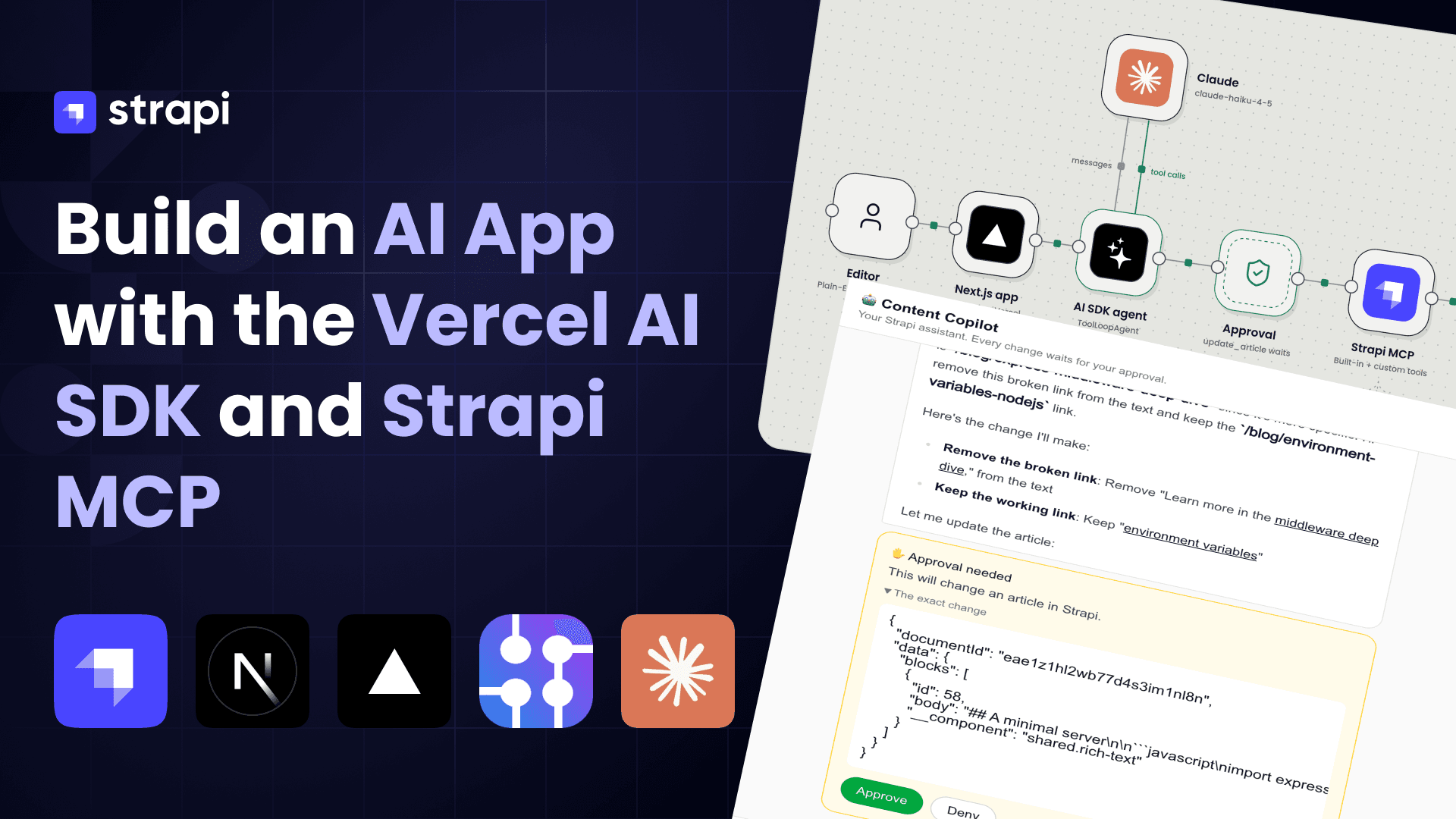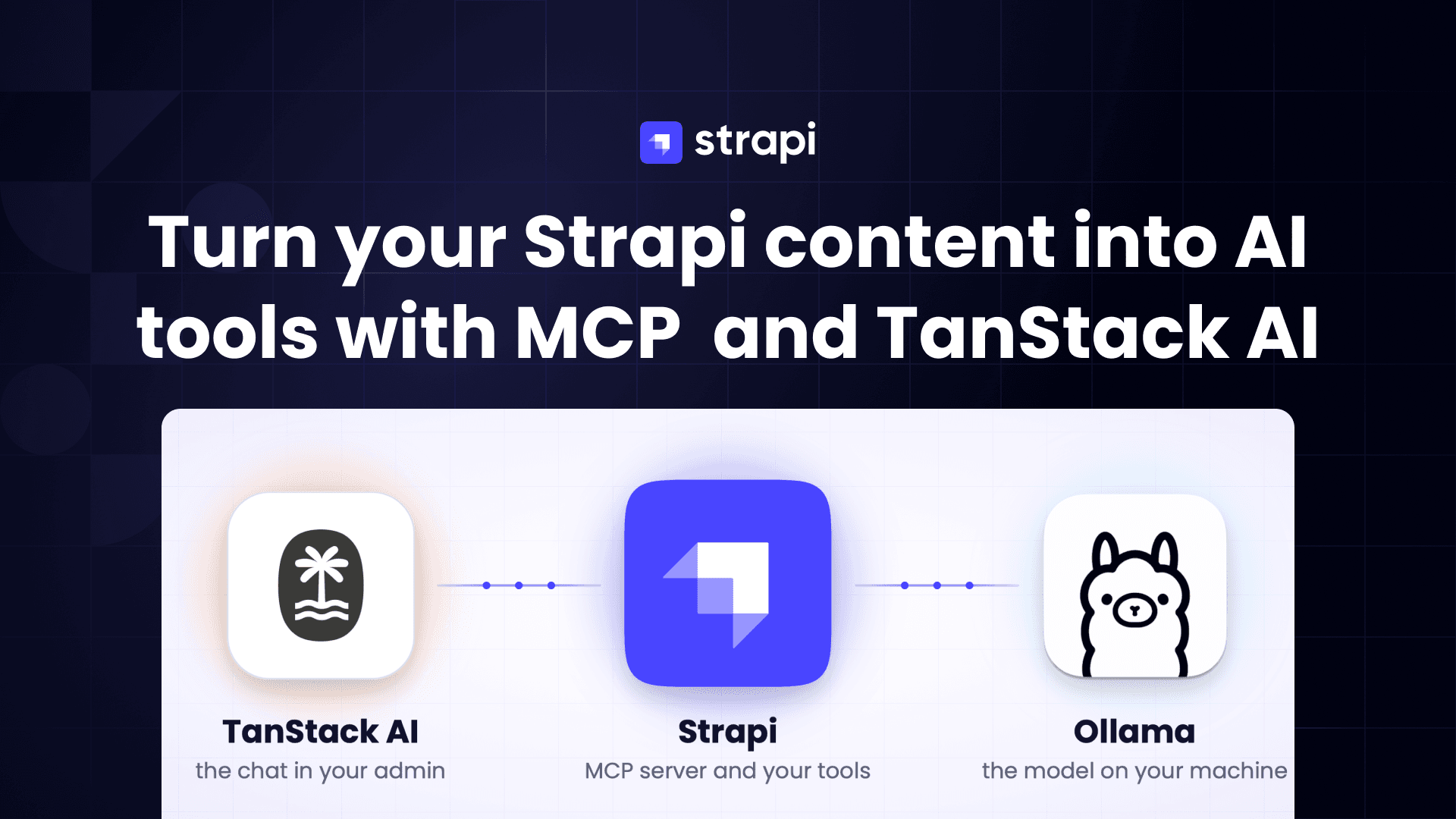
I recently had the chance to sit down with one of my favorite educators in web development, Kent — someone whose courses and talks played a big role in my own late-career transition into tech. We started out talking about React Server Components… and somehow ended up in a full-on conversation about the future of the web, AI agents, and why Model Context Protocol (MCP) might be as big a shift as the early days of the internet.
You can watch the whole talk here, or keep reading for everything we covered.
Users Are Quietly Leaving the Browser
Kent said something that really stuck with me:
“Users are fleeing the browser and moving to AI agents.”
If you think about your own habits, that might already be true.
I realized I barely use Google anymore. Most of the time I don’t search for a page — I ask an AI a question.
Instead of:
- Finding the right keywords
- Clicking through SEO’d blog posts
- Hunting for the one paragraph that actually answers my question
…I just open ChatGPT or Claude and type what I want.
That’s not just a nicer UX. It’s a fundamental shift in the primary interface between users and software:
- Before: users went to websites and apps
- Now: users go to agents, and agents go to websites and apps for them
Browsers and search engines are trying to adapt (AI answers on search result pages), and AI tools are trying to adapt (chat + files + tools + browsing), but the direction is pretty clear:
The main way people interact with software is becoming “Asking”, not “Searching”
ChatGPT Apps and the New Interaction Model
At React Conf, Kent showed a short promo video for an upcoming ChatGPT feature: ChatGPT apps.
The idea:
-
Instead of going to a website and logging in
-
You tell ChatGPT what you want to do
-
ChatGPT decides which “app” (backed by tools/APIs) is best to handle it
-
That app appears inside the chat, as:
- A small widget
- A full-screen experience
- A hybrid where you both click UI and keep chatting
Input becomes multimodal: text, voice, clicks, typing. The agent chooses whatever mix of UI + conversation makes the most sense for the task.
The important mental shift:
In the future, you won’t just be designing for “the user in the browser.” You’ll be designing for the user’s agent, which is acting on their behalf.
That means your app needs a way to say to the agent:
“Here’s what I can do. Here are the actions I support. Here’s how to call me.”
That’s where MCP comes in.
What Is MCP, Really?
MCP stands for Model Context Protocol. Under all the buzzwords, it’s basically:
A standard way for AI agents (like ChatGPT, Claude, etc.) to talk to external services in a structured, predictable way.
You expose your app as an MCP server, which defines:
- Tools – the operations your app can perform
- Inputs/outputs – what arguments those tools need and what they return
- Authentication – how the agent is allowed to call those tools
Then an agent can:
- Read your tool definitions
- Decide when to call them based on what the user asks
- Chain them together with other tools, web search, memory, etc.
Kent has been focusing a lot on consumer-oriented MCP servers (not just dev tools in an IDE). One of his example projects is a journaling app, exposed via MCP:
- You could talk to ChatGPT and say, “Help me journal about my day and save it.”
- The agent asks you questions, writes the entry, and stores it via the MCP server.
- You interact with ChatGPT, not “yet another journaling app UI,” but your data still lives in your service, with your logic.
That’s the pattern:
Your app becomes a capability provider to agents, not just a website with a login form.
“If You’re Not Integrated, You’ll Be Left Behind”
Kent compared this shift to the early web:
- In the 90s, a lot of businesses didn’t think they needed a website.
- By 2010, not having one made you basically invisible.
He sees MCP and agent integration the same way:
- Today, most companies are still asking: “Why would my service need an MCP server?”
- Tomorrow, the question becomes: “Why on earth don’t you have one?”
Imagine:
- ChatGPT or Claude has hundreds of millions of users.
- Those users say, “Book me a ride,” “Find me a sitter,” “Order me this thing,” “Update my account,” “Change my subscription,” etc.
- The agent looks at all the available services exposed via MCP.
If your competitor has MCP integration and you don’t, the agent will prefer the one it can seamlessly call. Browsing your website and scraping forms will always be a worse UX than direct integration.
Yes, agents can technically browse the web. But:
- It’s slower
- Less reliable
- Harder to secure
- Worse for the user
Agents are incentivized to use directly integrated tools whenever possible. That’s why Kent argues:
Ignoring MCP and agent integration will eventually feel like not having a website in 2010.
What Happens to UI and Frontend Work?
Does this mean UI is dead? Not at all.
Kent thinks custom UI will be important for at least the next five years (and probably longer — but forecasting beyond that gets dicey fast).
A few key points:
-
Branding still matters
- If you ask your agent, “Get me a ride to the airport,” Uber cares a lot that you know it’s Uber picking you up, not some random service.
-
Trust still matters
- Users want to know which company they’re actually interacting with.
-
UI libraries may become “building blocks”
-
In the future, a service might expose:
- Not just tools (actions)
- But also UI components
-
The agent could then compose those components into custom layouts based on what the user is trying to do.
-
We may eventually see agents generate full UI on the fly, but we’re not there yet. For now:
Frontend work is still about building components, flows, and branded experiences — just increasingly in collaboration with agents instead of only with browsers.
“Is AI Going to Take My Job?”
We had to talk about the big fear: AI replacing developers.
Kent’s take was both simple and kind of liberating:
- If AI completely replaces all developers in, say, a year
- There is nothing you can do to meaningfully prepare
- No skill, no amount of money, no clever trick changes that outcome
So planning your life around that scenario is pointless. You can’t act on it.
Now remove that from the table and ask a more useful question:
“Assuming AI remains a powerful tool, not an instant replacement, how do I stay relevant and valuable?”
His answer:
- Get really good at using AI in your workflow
- Get really good at integrating AI into your products
And this matches my own experience too. I’ve used AI to:
- Generate large chunks of code quickly
- Create entire prototypes with 3D graphics
- Iterate on ideas at a speed that wasn’t possible before
But here’s the catch:
- AI can often get you 60–80% of the way
- That last 20% is brutal if you don’t understand what’s going on
- Debugging, performance tuning, architecture decisions, tradeoffs — that’s still on you
The skills that matter more than ever:
- Problem solving
- Debugging and troubleshooting
- Understanding systems and tradeoffs
- Being able to explain your problem clearly (to humans and AI)
Kent even tries to talk to LLMs the same way he’d talk to another engineer — not just “do this,” but with context, constraints, and reasoning. That habit itself is a valuable engineering skill.
How Kent Uses AI Day-to-Day
A few practical bits from Kent’s workflow:
-
He uses Cursor as his primary editor
-
He still likes editor mode over a pure chat agent — seeing and editing files is part of his “prompt”
-
He treats the existing codebase as context for the model:
- If the AI keeps giving wrong answers
- He improves the code structure and patterns
- So future suggestions become better
He also uses ChatGPT outside the editor to:
- Think through ideas
- Step away from the code and reason at a higher level
In other words, AI isn’t a replacement for thought — it’s a partner in thinking and typing.
MCP vs “Yet Another AI Wrapper App”
One of the most interesting parts of the conversation was about the current wave of “AI apps.”
For the past few years, companies have been building:
-
Chatbots that sit in front of their knowledge bases
-
RAG (retrieval augmented generation) systems that:
- Take a user question
- Search internal docs
- Stuff the results into the prompt
- Ask a model to answer
Those are useful, but they have big limitations:
-
They only know what’s inside your knowledge base
-
They don’t have the broader capabilities of ChatGPT/Claude:
- Web search
- Other tools
- Memory
- General world knowledge
If instead you expose your knowledge base (and other capabilities) via MCP:
-
ChatGPT can combine your data with:
- Other services
- Search
- The user’s history and preferences
-
You don’t have to maintain a completely separate chat UX if you don’t want to
-
You ride the wave as agents get smarter and more integrated
There are still valid reasons to build your own “wrapper”:
- You need something immediately
- You can’t (or don’t want to) rely on ChatGPT / Claude’s current MCP support
- You have strict privacy constraints
But even then, Kent recommends:
Build your own chatbot on top of an MCP server you control.
That way:
- Internally: your bot talks to your MCP server
- Externally (later): ChatGPT, Claude, or any other agent can talk to that same MCP server
You get both:
- Control over privacy and UX
- Future compatibility with general-purpose agents
Common MCP Misconceptions
A few myths Kent keeps running into:
“MCP doesn’t support OAuth.”
It does. And the spec has been improving quickly:
- Earlier versions made the MCP server act as its own OAuth server (painful)
- Newer versions treat it as a resource server (much simpler)
- Recent updates made it even more secure and easier to work with
Is it perfect? No. But it’s absolutely not “no auth.”
“Why not just use a CLI? The agent can call that.”
For developer tools, sure — a CLI might be fine.
But:
- CLIs are non-standard — every one is different
- Agents would have to repeatedly run
--helpand parse text - That’s slow, brittle, and not consumer-friendly
- And your actual users are not going to be using CLIs on their phones by voice
MCP gives you:
-
A standard tool definition format
-
A way for agents to optimize how they load and call tools
-
Something that works across:
- Dev tools
- Consumer apps
- Mobile devices
- Voice interfaces
So… What Should You Actually Do?
If you’re a developer or technical founder, here’s a simple roadmap pulled from our conversation:
-
Accept that agents are becoming the new frontend. Users will increasingly talk to AI first.
-
Keep investing in UI skills — they still matter. Branding, trust, and good interaction design aren’t going away.
-
Get good at using AI in your workflow. Treat it like a powerful teammate that’s great at drafting, exploring, and refactoring.
-
Start learning about MCP.
- Read the spec
- Look at existing open-source MCP servers
- Try building a tiny one yourself for a hobby project or side tool
-
Think in terms of “capabilities,” not just “apps.” Ask:
- “What can my service do for a user?”
- “How can I expose those actions to an agent cleanly?”
-
Stay optimistic. Ignoring AI doesn’t protect you — it just puts you behind. Integrating it makes you more capable, not obsolete.
Kent closed our conversation with this:
“Be optimistic. The version of you that learns to use and integrate AI will be better than the version of you who doesn’t.”
I tend to agree.
You don’t need to predict the entire future of AI. You don’t need to know exactly where we’ll be in ten years.
But you can start today:
- Use agents more intentionally
- Build small integrations
- Ship a simple MCP server
- And keep your skills pointed toward where the puck is going — not where it’s been.