TL;DR
Who: NOTUM Technologies is a digital agency based in Brno, Czech Republic, and has been a Strapi partner for 5+ years.
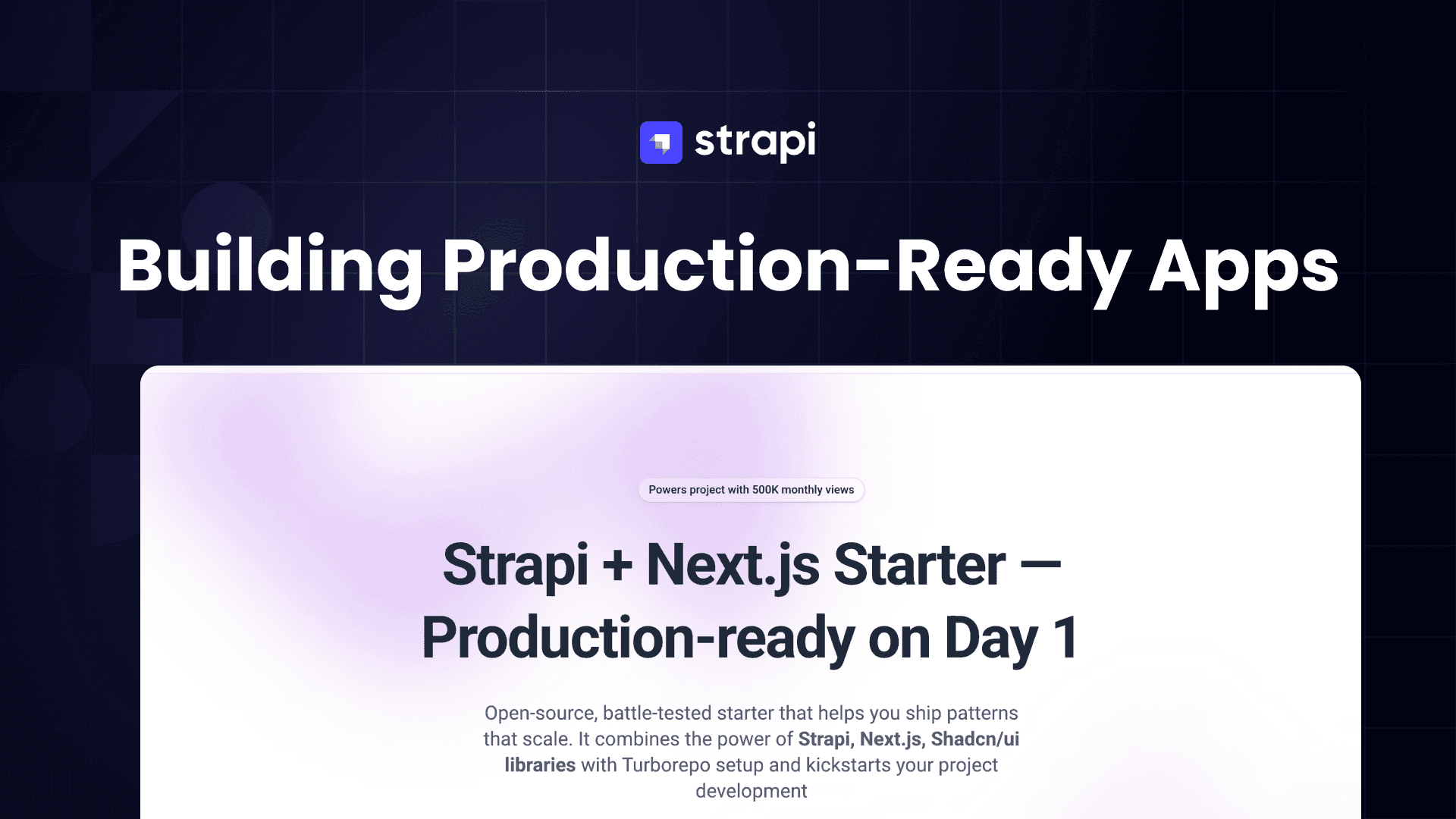
What: They created an open-source Next.js + Strapi starter template that saves 3-4 weeks of development time per project.
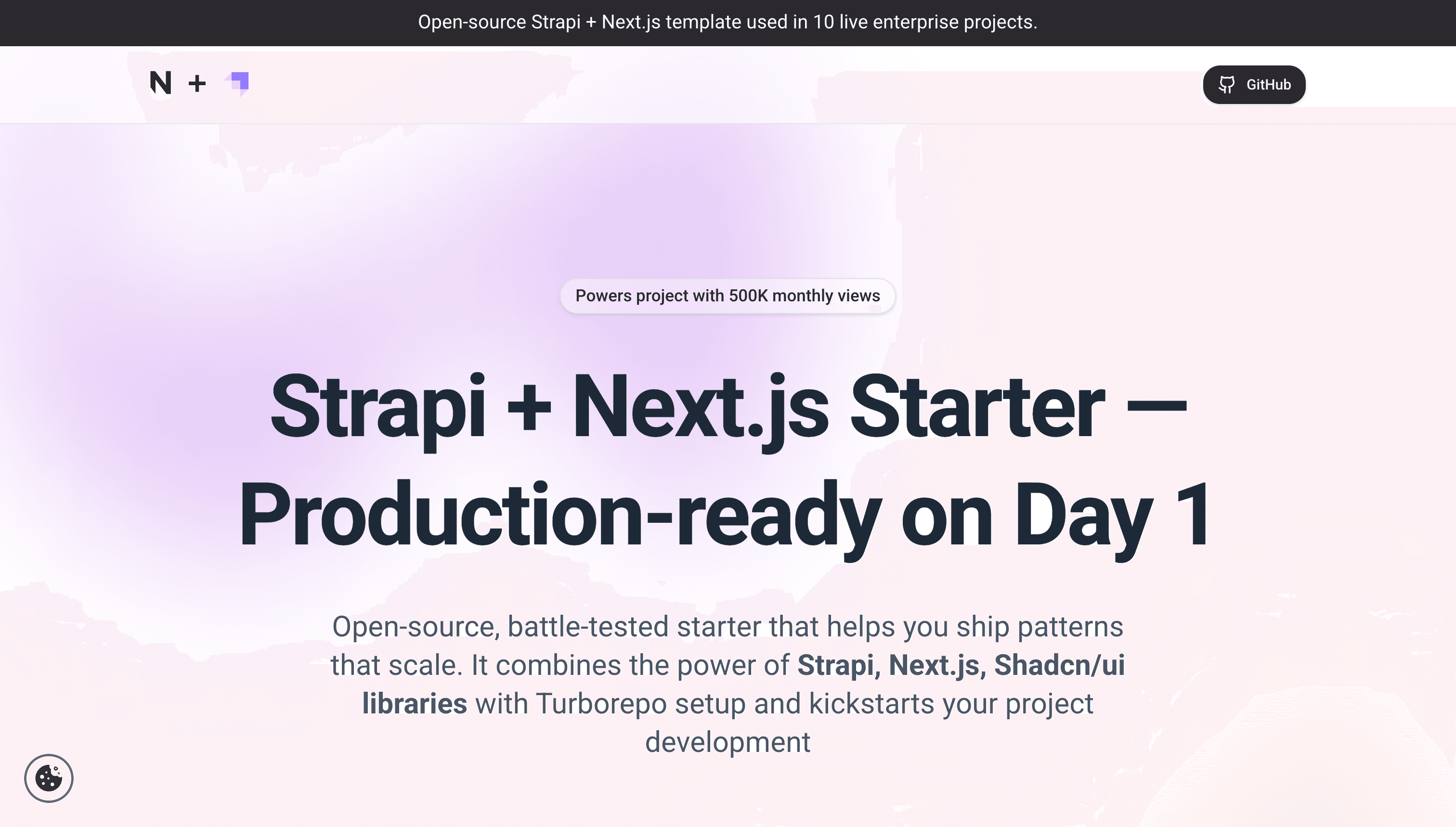
Key Highlights:
- Monorepo architecture with full TypeScript type safety between Strapi and Next.js
- Supports projects from small startups to enterprise clients with billions of visitors
- Includes automatic page hierarchy with recursive full-path generation
- Built-in redirect management when page structures change
- Docker-ready deployment for any platform (Azure, AWS, Heroku, etc.)
- Uses PNPM for better dependency management and smaller build sizes
- Server-side populate logic to avoid frontend complexity and URL length limitations
Notable Plugins Created: Location picker for maps, Record locking for multi-user editing
This article is based on the follwing discussion. Just in case you don't have the time to watch you can do a quick read instead.
Introduction: From Pain Point to Production Solution
Every agency knows the struggle: a new client comes in, and you're starting from scratch—again. Copy the old project, strip out the irrelevant components, implement new ones, and hope you haven't introduced any bugs along the way. For NOTUM Technologies, this cycle became unsustainable once they hit a critical mass of clients.
The solution? A comprehensive starter template that distills years of production experience into a single, battle-tested package. But this isn't just another tutorial project—it's the foundation that has powered enterprise applications serving billions of visitors.
Why Strapi? A Five-Year Partnership

NOTUM's journey with Strapi began around 2018-2019 when they were evaluating CMS options. After extensive internal discussions, Strapi emerged as the winner for several compelling reasons:
Flexibility at Scale: Strapi works beautifully out of the box for simple websites, but it also allows deep customization through plugins and custom code. This dual nature makes it suitable for the wide variety of projects an agency encounters.
Plugin Ecosystem: NOTUM has contributed significantly to the Strapi ecosystem, creating plugins like the location picker (for map-based selection and proximity filtering) and record locking (preventing users from accidentally overwriting each other's changes).
Community Building: Beyond code contributions, NOTUM actively nurtures the local Strapi community through in-person meetups, including a V5 launch party. These gatherings provide valuable opportunities to share learnings and collect feedback directly from Strapi's team.
The Architecture: Why a Monorepo?
One of the most consequential decisions in the template is its monorepo structure, powered by Turborepo. This wasn't a trendy choice—it was driven by a real technical need.
The Type Safety Problem
Strapi doesn't automatically expose TypeScript types to frontend applications. In traditional setups, developers either manually maintain duplicate type definitions or accept the risk of runtime errors when schemas change. Neither option scales well.
By using a monorepo, NOTUM solved this elegantly: auto-generated types from Strapi are exposed to the entire workspace. When you change a content schema, those changes automatically propagate to the frontend application. No more runtime surprises, no more manual syncing.
note: the Strapi team actively is working on improving DX experience to allow users to expose Strapi types to their frontend project. We will keep you posted with updates.
Package Structure
The monorepo contains two main workspaces:
Apps Workspace:
strapi- The backend CMS applicationui- The Next.js frontend application
Packages Workspace:
- Shared ESLint and TypeScript configurations
- A shared data package for configuration variables (like supported locales)
- The Strapi types package (recently separated to reduce build dependencies)
- Design system with Tailwind configuration
This structure means you have a single source of truth for everything from linting rules to locale configurations.
Why Next.js 16? The Jack of All Trades

While the template specifically chose Next.js 16 for the frontend, the decision came from practical experience rather than hype.
Versatility: Agencies encounter everything from statically generated marketing sites to dynamic admin dashboards. Next.js handles all these use cases with the same framework.
Team Adoption: React's dominance in the job market means easier hiring and onboarding. The entire team could standardize on one framework.
Enterprise Deployment: Despite internet discourse about Next.js being tied to Vercel, NOTUM has successfully deployed to Azure, AWS S3, Heroku, and other enterprise hosting platforms without significant issues.
The recent migration to Next.js 16 and React 19 did require switching from Yarn v1 to PNPM (due to multiple React version requirements with Strapi still on React 18), but this change actually improved build sizes and developer experience.
The Editting Experience: Where V5 Shines
The template's primary focus is creating an exceptional page editing experience, both for developers and content editors.
Strapi V5's preview and content history features were game-changers here, solving the long-standing headless CMS problem of not seeing what you're editing.
Automatic Page Hierarchy
One standout feature is the automatic full-path generation system. Instead of manually managing URL paths, the template uses a parent-child relationship system:
- Create a root page (the homepage)
- Create child pages with just a slug and parent reference
- The system automatically computes full paths recursively
- Change any slug in the hierarchy, and all child paths update automatically
This isn't a plugin—it's built using Strapi's lifecycle hooks and the DB query builder. The implementation required some SQL magic since lifecycle hooks don't always provide references to current relation versions, but the result is seamless path management.
Automatic Redirects
When page paths change, the system automatically generates redirect entries. No more broken links when restructuring your site's information architecture.
Solving the Population Problem
Anyone who's worked with Strapi at scale knows the populate challenge. With dynamic zones containing dozens (or hundreds) of components, the populate object becomes unwieldy.
The URL Length Limit
Here's a problem most tutorials don't mention: when you have many components, your populate query parameters can exceed URL length limits. The frontend simply cannot request everything it needs.
Server-Side Population
NOTUM's solution moves population logic to Strapi itself using document middleware:
- The middleware detects specific request patterns (like fetching a single page)
- It checks for a custom
middleware_populatequery parameter - If conditions are met, it replaces the client's populate object with a pre-defined server-side version
This approach keeps the frontend lean, avoids URL length issues, and provides a security benefit—you explicitly control what data can be populated.
They originally used the popular "populate deep" plugin but abandoned it due to performance issues at scale.
You can also accomplish this via route middleware to allow route based population, you can learn more about it here
Developer Experience Features
Scripts for Common Tasks
The template includes utility scripts for developer quality of life:
- Remove all node_modules across the monorepo
- Clear build caches for all applications
- Quickly reset to a clean state when dealing with stale cache issues
GitHub Integration
- Husky for commit message formatting (enforcing company-wide standards)
- GitHub Actions for build verification
- Dependabot configuration for automated dependency updates
VS Code Configuration
Recommended extensions and workspace settings come pre-configured, though this area continues to evolve.
Real-World Deployment
The template ships with Docker support for maximum deployment flexibility. This wasn't added for theoretical completeness—it came from actual enterprise client requirements.
Tested Platforms:
- Azure (used extensively on multiple projects)
- AWS S3 (for statically generated applications)
- Heroku (for teams preferring simpler deployment)
The containerized approach means you're not locked into any specific hosting provider, a crucial requirement for enterprise clients with existing infrastructure preferences.
This a super power of Strapi, you can decide where and how you want to deploy it. My favorite place is Strapi Cloud. But you can decide which approach works best for you.
Lessons Learned: Strapi V5 Lifecycle Gotchas
NOTUM offered valuable feedback for developers diving deep into Strapi customization:
Lifecycle Changes in V5: The introduction of content history changed how lifecycles work. Publishing a new version now triggers the create lifecycle, which can cause unexpected behavior if you're not prepared for it.
Relation Data Availability: When making adjustments that don't change relations, those relations won't be present in the lifecycle payload. This is technically correct but not always obvious.
Admin Panel vs API Payloads: Calling the same endpoint from the admin panel versus a custom API client produces different lifecycle payloads. This inconsistency can trip up even experienced developers.
The takeaway isn't that these behaviors are wrong—they often have valid technical reasons—but they're not always well documented. NOTUM recommends approaching lifecycles with caution and always checking actual behavior against assumptions.
note: Did you know, you can alway provide feedback and feature request here or continue the conversation in GitHub discussions.
AI-Assisted Development: The Evolving Workflow
NOTUM is actively exploring AI integration in their development workflow, particularly for documentation:
- Building an internal knowledge base in Markdown
- Experimenting with AI agents that understand the template's specifics
- Working toward publishable "skills" for AI tools that understand their codebase
Their philosophy aligns with broader industry observations: there's no one-size-fits-all AI workflow. Each developer should find what makes them productive rather than copying someone else's setup.
Getting Started
The template is designed for quick setup:
- Clone the repository
- Ensure you're using the correct Node version (the repo includes version configuration)
- Run
pnpm install - Start Docker (required for the database)
- Run
pnpm run dev:strapito start the backend - Create an API token in Strapi's admin panel
- Add the token to your Next.js
.env.localfile - Run the frontend
Check out this video on how to set the project up.
Conclusion: Why Templates Matter
The difference between a tutorial template and a production template is measured in months of real-world usage. NOTUM's starter represents the accumulated wisdom from dozens of client projects, from startup landing pages to enterprise applications.
Every time they complete a project—or even mid-project when something important emerges—they backport those learnings into the template. This continuous improvement cycle means you're not just getting a starting point; you're getting a documented history of what works (and what doesn't) in production.
Whether you use the template directly or study it as a reference for your own architecture, there's value in learning from a team that has shipped—and maintained—this stack at scale.
You can also checkout out our official Strapi Stater project called Launchpad
Resources
- NOTUM Technologies: For companies needing development partners with deep Strapi expertise
- GitHub Repository: Open-source starter template (link in video description)
- Strapi Community: Join local meetups to connect with other developers
Did you know? Strapi hosts Open Office Hours on Discord Monday through Friday at 12:30 PM CST (running until about 1:30 PM CST). It's a great way to connect, get help, and share your feedback directly with the team.
This article was created based on a conversation with Dominic from NOTUM Technologies about their Next.js + Strapi starter template.