Open-source CMS platforms vary widely. Strapi 5.49.0 and later includes artificial intelligence (AI) capabilities through a built-in AI-agent integration that must be enabled in config/server.ts, and initializes new projects with the TypeScript language by default; others rely on plugin ecosystems where software supply chain failures demand close attention.
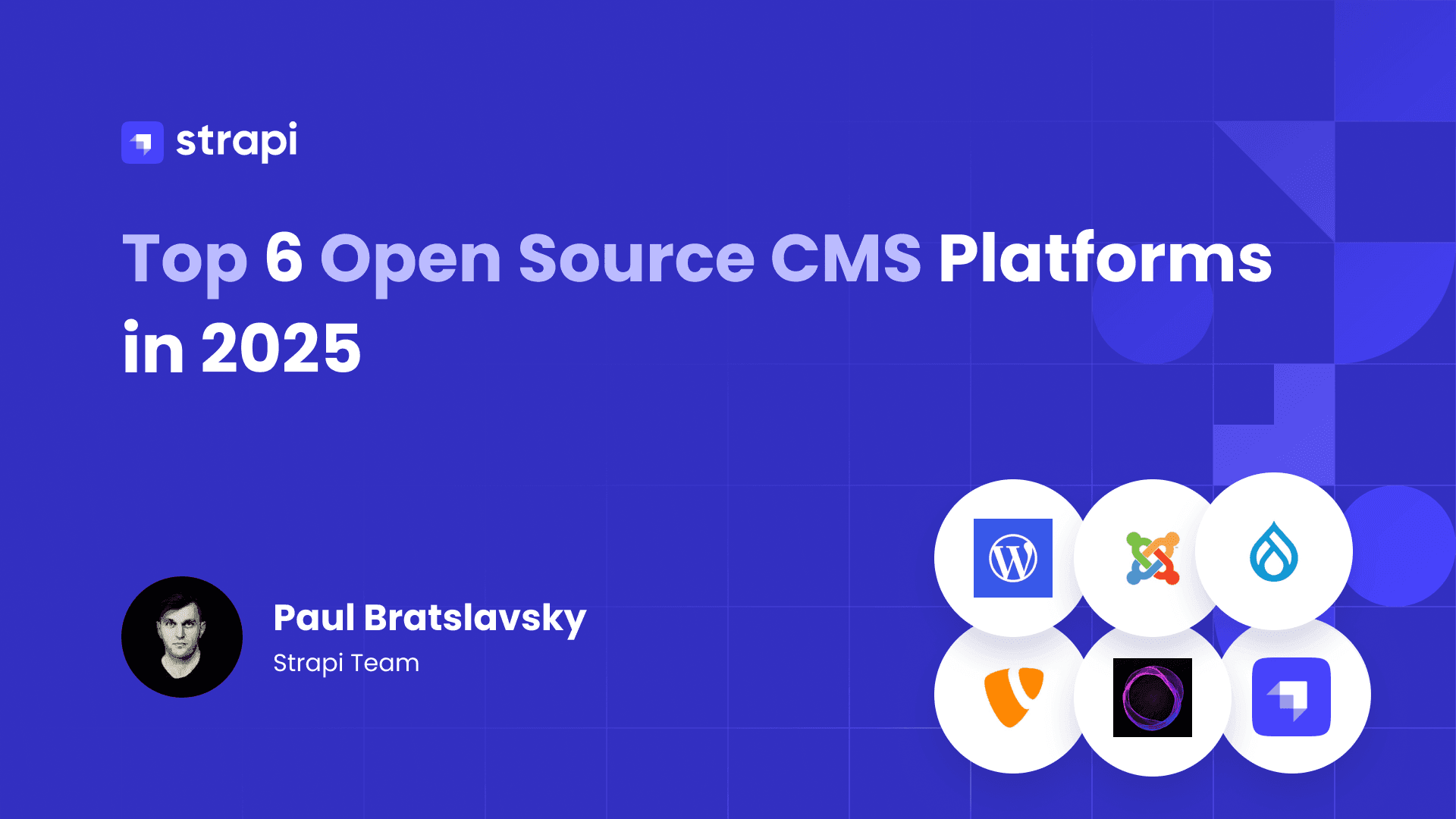
This guide compares six open-source CMS platforms on current versions, verified capabilities, and licensing gates, so full-stack developers and technical decision-makers can pick one without reading six changelogs.
In brief:
Two terms recur below: compound annual growth rate (CAGR) and Model Context Protocol (MCP).
- Future Market Insights sizes the headless CMS market at USD 1,193.9 million in 2026, projected to reach USD 9,159.4 million by 2036 at 22.6% CAGR; overall CMS forecasts sit far lower, at 7.68% CAGR through 2031 per Mordor Intelligence
- Strapi 5 ships TypeScript language by default, the application programming interface (API) known as the Document Service API, and a built-in MCP server that reached general availability in v5.49.0
- WordPress runs 40.7% of all websites and holds 58.9% of the CMS market per W3Techs
- The Open Worldwide Application Security Project (OWASP) Top 10:2025 ranks Software Supply Chain Failures at A03, which makes plugin ecosystem hygiene a first-order selection criterion
Together, these points frame the comparison around market direction, developer experience, platform reach, and supply chain risk.
6 Open-Source CMS Platforms Compared
The six platforms below span API-first backends, editorial powerhouses, and specialized publishing tools. Each entry highlights current versions, standout capabilities, and the trade-offs that matter most when choosing a fit for your stack.
1. Strapi for API-First Content Management
Strapi is an open-source CMS built on Node.js with a headless CMS architecture and runtime requirements detailed in the deployment documentation. It generates representational state transfer (REST) endpoints from the Content-Types you define by default and GraphQL endpoints after you install the official @strapi/plugin-graphql plugin, leaving the frontend entirely to you. If you're weighing that model against a coupled system, the traditional-headless CMS comparison covers the trade-offs.
What Strapi 5 gives you in the free Community Edition:
- TypeScript by default. New projects initialize with TypeScript; you can pass the
--javascriptflag if you'd rather not, per the command-line interface (CLI) guidance in the CLI installation docs. Schema typings generate viastrapi ts:generate-types, documented in the CLI command reference. - Document Service API. The replacement for the v4 Entity Service uses a stable 24-character alphanumeric
documentIdto identify entries across locales and draft/published states, documented in the Document Service API reference. - Flattened responses. REST responses drop the nested
data.attributeswrapper, and a temporary v4 compatibility header,Strapi-Response-Format: v4, eases migration. The GraphQL API (installed via@strapi/plugin-graphql) exposes documents bydocumentIdonly. - Role-based access control (RBAC) and internationalization (i18n) in core. Role-based access control ships with Author, Editor, and Super Admin roles, and internationalization documentation confirms that i18n is core in v5, enabled per Content-Type.
Together, these Community Edition capabilities cover typed development, document-based content access, simpler API responses, and core editorial controls.
Two features carry plan gates worth knowing before you commit: Content History (30-day retention on Growth, 365 on Enterprise) and the Releases feature for scheduled batch publishing both require a Growth or Enterprise plan; Releases also requires Draft and Publish enabled on each applicable Content-Type. Audit Logs are Enterprise-only.
A recent addition is the built-in MCP server, generally available since v5.49.0 per the GA announcement. It lets AI agents manage Strapi content through the Model Context Protocol, authenticated with Admin tokens and scoped to token permissions. You can enable it using the MCP configuration:
// config/server.ts
mcp: { enabled: true }
The MCP endpoint then answers at /mcp (for example, http://localhost:1337/mcp).
On databases, Strapi 5 supports PostgreSQL (14.0+), MySQL (8.0+), MariaDB (10.3+), and SQLite. MongoDB and other NoSQL databases are explicitly unsupported. For hosting, Strapi Cloud offers managed deployment on paid plans, or you can self-host; the hosting model comparison walks through that decision.
2. WordPress for Editorial Sites and Large Plugin Ecosystems
WordPress usage statistics show that it remains the most widely used CMS by a wide margin: 40.7% of all websites and 58.9% of the CMS market per W3Techs. According to the project's release announcement, the latest stable release is WordPress 7.1 "Mary Lou," and W3Techs data shows 57.1% of WordPress sites already run a version 7 release. That install base translates into deep community support, a large talent pool, and documentation for nearly every problem you'll hit. For API-first teams, the WordPress-to-Strapi migration guide covers what moving from that editorial model involves in practice.
The trade-off lives in the plugin ecosystem. OWASP's supply chain guidance covers libraries and nested transitive dependencies and recommends centrally generated software bills of materials (SBOMs) and dependency tracking. If your build depends on dozens of plugins, you'll need to budget for continuous patching.
3. Drupal for Complex Permissions and Compliance
Drupal supports complex content projects with granular permissions and compliance requirements. According to Drupal's release and system-requirement pages, the current stable release is Drupal 11.4.5, with a minimum of PHP: Hypertext Preprocessor (PHP) 8.3 (PHP 8.4 recommended from 11.3 onward) and Symfony 7.4 components as of Drupal 11.3.0. The project's release schedule places Drupal 12 in the week of December 7, 2026.
Public-sector adoption illustrates the compliance angle: the Judicial Council of California operates 63 Drupal websites, and its hosting request for proposal (RFP) makes System and Organization Controls (SOC) 2 compliance mandatory for providers. Drupal's built-in multilingual handling is a genuine strength here; if you're evaluating multilingual workflows in a headless context, you can compare it against Strapi 5's i18n approach.
4. TYPO3 for Enterprise Multi-Site Installations
TYPO3 supports enterprise multi-site installations. According to TYPO3's release announcements and release notes, TYPO3 v14.3.0 long-term support (LTS) shipped on April 21, 2026, running on PHP 8.2 through 8.5, with the current patch at 14.3.6. Its strengths show in agencies and large organizations managing dozens of sites from a single backend, with granular editor permissions, workspaces for staged content changes, and native multilingual support built into the core rather than bolted on through plugins.
5. Ghost for Newsletters and Membership Publishing
According to Ghost's changelog, Ghost is a publishing platform for newsletters, memberships, and editorial sites rather than a general-purpose CMS. The same changelog says Ghost 6.0 added ActivityPub-based networked publishing, so posts can reach the wider social web, plus first-party analytics for web traffic, newsletters, and member subscriptions, removing the need for third-party analytics and membership tooling. Development moves quickly; the project sits at v6.57.0 on GitHub.
6. Joomla for Cryptographically Verified Core Updates
Joomla's recent releases center on supply chain security. According to Joomla's release materials, the Update Framework (TUF), which cryptographically verifies core updates, arrived in Joomla 5.1; Joomla 5.4 and 6.0 then added automatic core updates on top of that TUF verification. The project's roadmap lists the current stable releases as 6.1.3 and 5.4.8.
According to Joomla's technical requirements and roadmap, Joomla 6.x requires PHP 8.3 minimum and receives bugfix support until October 2028, with security-only support to October 2029. Joomla's overall market presence is small at 1.7% of the CMS market.
How to Evaluate Open-Source CMS Platforms
Picking a platform is easier when you weigh the same criteria across all candidates. The sections below break down the four areas that most often decide fit: developer experience, architecture style, security posture, and performance.
API Architecture and Developer Experience
It helps to compare API quality (REST and GraphQL availability, typed data, relationship modeling), self-hosting overhead, upgrade paths between major versions, and feature completeness without per-feature paywalls. The 2025 Stack Overflow Developer Survey ranks security and privacy concerns as the top deal-breaker in technology adoption.
Two of those criteria deserve extra scrutiny. First, it helps to identify whether you need versioning, single sign-on (SSO), or audit logging, and which features sit behind paid tiers. Second, consider testing the upgrade path before committing rather than assuming major versions can be skipped.
For the REST and GraphQL options decision itself, the Strapi v5 comparison of when to pick each is a useful starting point, and content modeling practices determine how well any API serves you long-term.
Licensing also deserves careful consideration. The CMS licensing distinctions cover what those differences cost you later.
Headless, Traditional, or Hybrid
Headless architecture trade-offs show why business complexity should drive the architecture decision, not the assumption that headless is automatically faster. Headless earns its overhead when you deliver content to multiple frontends, need framework freedom, or run API-first content operations across channels, and the headless CMS use cases lay out those scenarios in more detail.
For a single marketing site with one frontend, the integration work and developer dependency can outweigh the benefits, preview-mode plumbing adds hidden costs, and marketer workflow dependency can lead to tickets for changes marketers used to make themselves.
The mid-2026 trend toward hybrid headless, an API-first backend with a visual authoring layer, is a direct response to that tension, as Developer Tech reported.
Security and Compliance Baselines
National Institute of Standards and Technology (NIST) SP 800-53 Release 5.2.0, issued August 27, 2025, is the current control baseline; its SR family (SR-1 through SR-12) covers supply chain risk management, provenance, and component inspection.
OWASP Top 10:2025 lists Broken Access Control (A01), Security Misconfiguration (A02), and Injection (A05), and its new A03 Software Supply Chain Failures category explicitly covers libraries and nested transitive dependencies, which is exactly where CMS plugin ecosystems live. OWASP recommends centrally generated SBOMs and dependency tracking as countermeasures.
Regulation is tightening on the same point. The Cyber Resilience Act starts reporting obligations September 11, 2026, with full manufacturer obligations from December 2027, and requires SBOMs; non-monetized open source is out of scope, but commercial open-source vendors carry full obligations.
Against that backdrop, access control becomes the practical starting point for any deployment; the Strapi RBAC guide shows how that maps to admin roles and permissions.
Performance Benchmarks That Still Apply
The current Core Web Vitals are three metrics, evaluated at the 75th percentile of page loads:
- Largest Contentful Paint (LCP): ≤ 2.5 seconds
- Interaction to Next Paint (INP): ≤ 200 milliseconds
- Cumulative Layout Shift (CLS): ≤ 0.1
Time to Interactive was fully removed from Lighthouse 13, and First Input Delay (FID) was retired in favor of INP, as FID retirement details confirm, so you can leave both out of your evaluation checklists. In a headless architecture, Strapi handles CMS application processing and API generation; the database, hosting platform, runtime, caching layer, and network also affect API latency. LCP, INP, and CLS are determined primarily by your frontend framework, rendering strategy, content delivery network (CDN), and frontend hosting platform.
Migration and Deployment Planning
Incremental replacement beats big-bang cutover. The strangler fig pattern, described by Martin Fowler and mapped to CMS projects in the traditional-to-headless migration guide, routes requests through a proxy to either the legacy system or the new one, letting you migrate section by section. Amazon Web Services (AWS) documents the same proxy-layer approach in AWS's prescriptive guidance. For releases, blue-green deployment keeps two identical production environments and switches traffic between them, with Fowler's key caveat that schema deployments should be separated from application upgrades to preserve rollback points.
A few practices prevent most migration disasters:
- Validation at every stage helps catch migration errors. Row counts give a quick check; Microsoft's cloud adoption guidance recommends checksums and hash functions for deeper verification.
- User acceptance testing (UAT) works best when actual content editors participate. Content teams surface workflow problems that developer testing misses; Microsoft's framework also recommends a 24–48 hour monitoring window after cutover.
- The 3-2-1 backup rule provides a useful baseline. The Cybersecurity and Infrastructure Security Agency (CISA) recommends this baseline in CISA's guidance: three copies, two media types, one offsite, with restoration tested regularly rather than assumed.
Use these three checks as cutover criteria before decommissioning the legacy CMS.
Which Open-Source CMS Fits Your Project
The right match depends on the job. The alternatives cover broad editorial familiarity, documented public-sector adoption, specialized publishing and memberships, and verified-update security.
Strapi's case is strongest when developers own the stack and want an API-first backend without giving up customization.
The Community Edition includes the Document Service API, auto-generated REST endpoints, GraphQL via plugin, RBAC, i18n, the MCP server for AI agents, and TypeScript by default for new projects, all self-hostable on PostgreSQL, MySQL, MariaDB, or SQLite.
Growth and Enterprise plans add Content History and Releases, while the Enterprise plan alone adds audit logging for teams with governance requirements. Strapi Cloud provides managed deployment if you'd rather not handle hosting yourself.
If Strapi matches your requirements, the Strapi documentation provides the setup steps for testing the platform, and Contact Strapi Sales is available for Enterprise-specific questions.