

55 million
impressions
960
outdoor screens
2 days
to configure Strapi
Q1.
Could you tell us more about WallDecaux and the project?
WallDecaux is a premium outdoor advertiser that offers advertising space in the urban centers of Berlin, Hamburg, Munich, and Cologne, as well as 22 other cities in Germany.
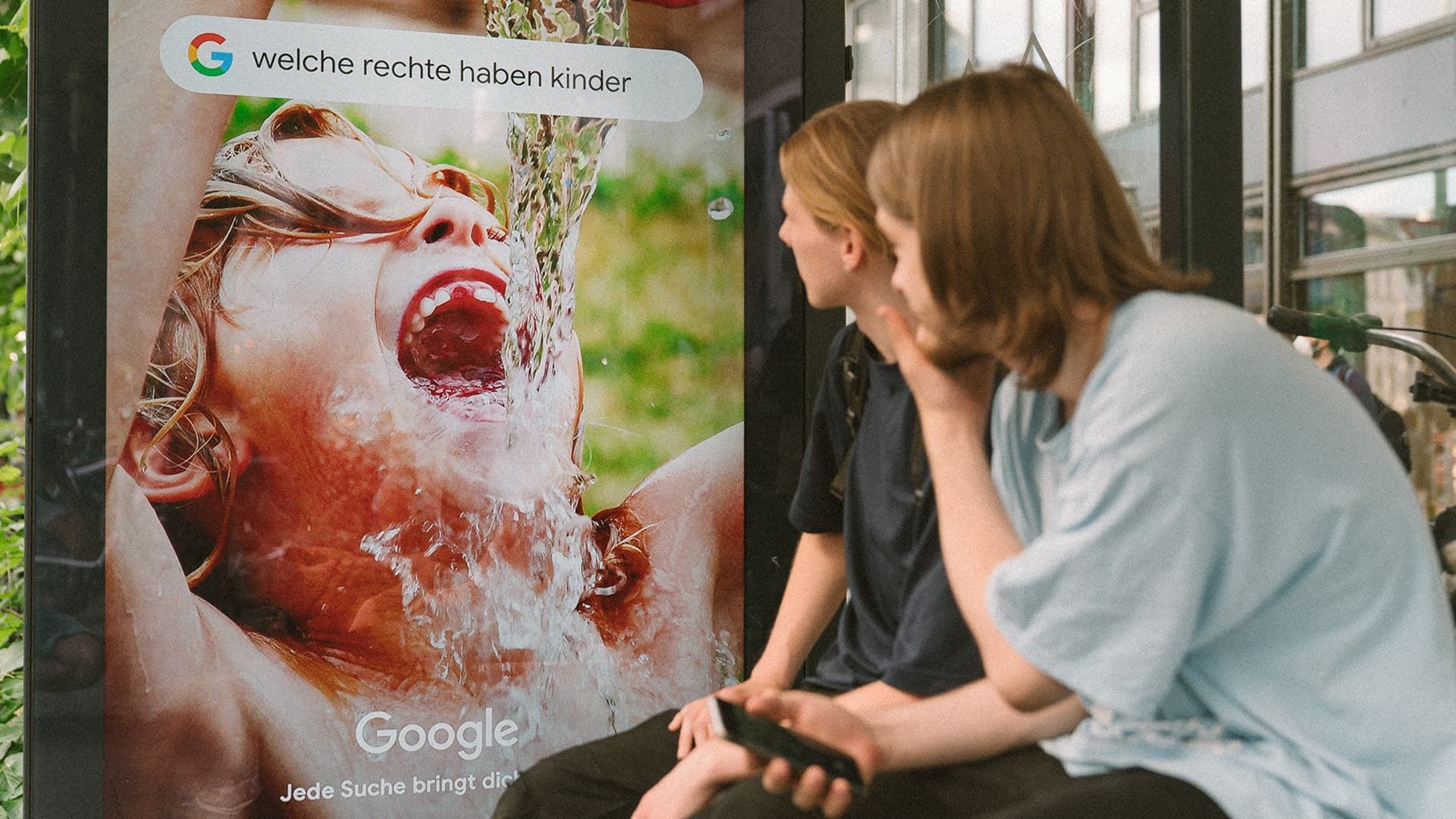
In 2021, we worked on an ambitious project with Google Germany and launched real-time out-of-home ads that had nearly 55 million impressions all over the country.
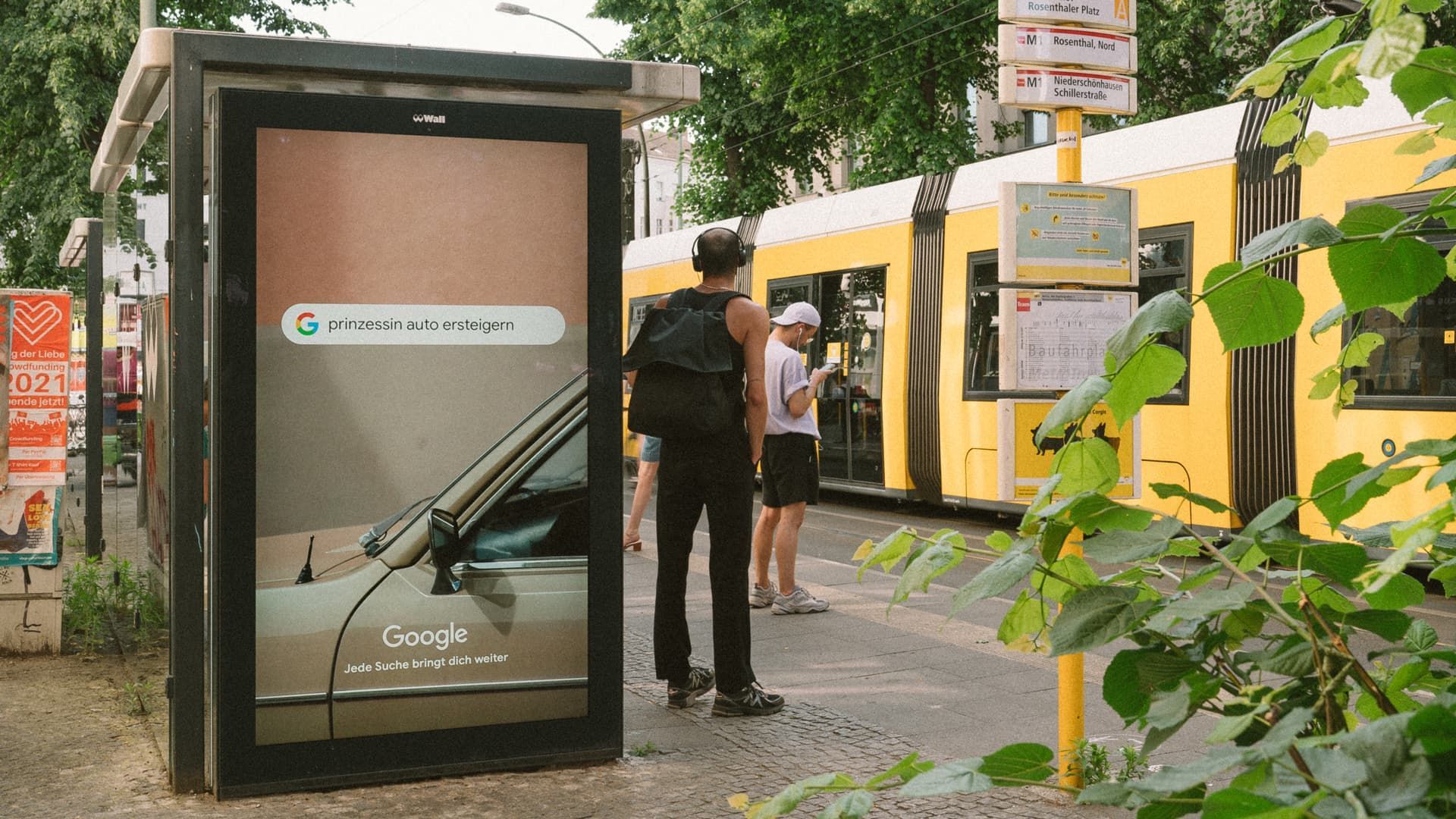
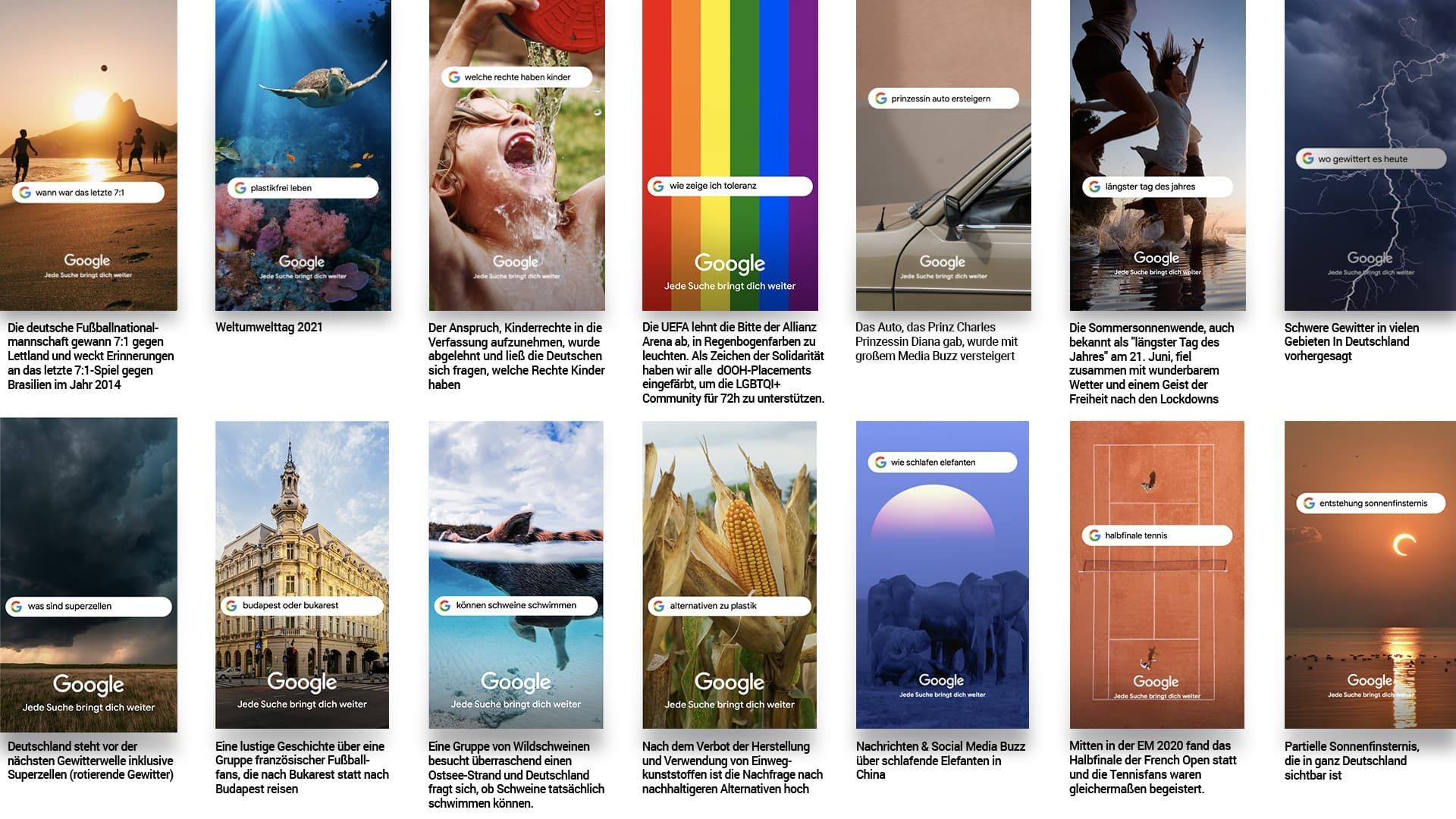
Google displayed actual search phrases with matching images live on over 960 DOOH screens in Germany faster than ever before. They could independently configure the ads and change them in real time so that it reflects the trending news. The "Die dOoH Zeitgeist-Maschine" campaign won a Silver prize at the German Digital Awards.
Q2.
How did you achieve real-time ad management?
Usually, a client sends us advertising assets (an image or a video), and we manually upload and display them on the screens on the streets. But Google had a special request - they needed to update the assets every 2 to 4 hours.
It sounded like a mission impossible at first because it’s usually a matter of days or weeks until the images are processed and projected on the screens. That’s when I had an idea to let Google update assets themselves, at any time and not depending on anybody.
Digging into code is not the most user-friendly way to configure the assets for the ads, so I started to look for a CMS with a convenient interface. I only considered open-source options since I wanted to access the code and modify it. We also have strict security requirements and must host the CMS ourselves. The client’s data should be stored in a safe place ;)
Strapi was an obvious CMS choice for me - it’s open-source, JavaScript-based, self-hosted, flexible, and user-friendly.
Q3.
How could end users configure the advertisement assets using Strapi?
They could choose the background image, the text in the search box, the font size of the text, the position of the search box on the screen (so that it doesn’t obscure the image), the size of the Google logo, and the city where the ad should be displayed.
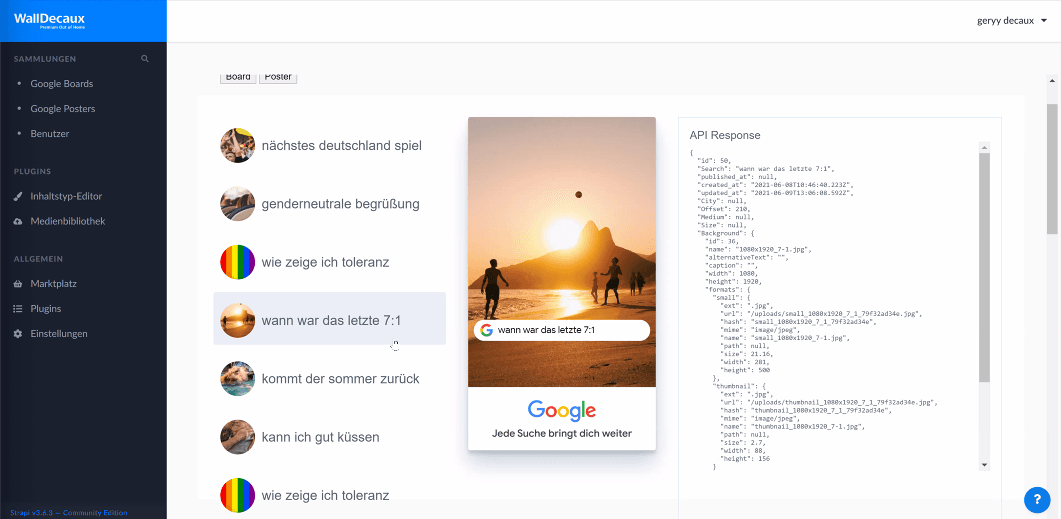
I also added a **preview feature **that allowed users to see what the final asset looks like before pushing it to the screens. Once the asset was ready, it could be displayed on the streets in less than 60 seconds. Nobody did that before.
Q4.
Did it take you a long time to build this tool?
I built everything in two days. I added Strapi properties with configuration options, transformed the design into code, connected it with Strapi, added the preview feature, and shared access with Google and OMD, the agency that worked on the project. After that, they managed the campaign on their side in real-time.
Q5.
How did you ensure data security?
We have our infrastructure where we hosted Strapi, and we secured all of the client connections. We also used the role-based-access control feature to restrict user permissions.
For example, users from the agency that managed the campaign could not publish the advertising assets. Only users from Google can do it after the asset is validated. We could not risk and have any mistakes, as the assets are displayed on the streets, and everyone can instantly see them.
Q6.
How did Strapi help you to reach your objectives?
With Strapi, we let Google edit the advertising campaign in real time. We customized the tool in no time to perfectly fit our needs. The campaign lasted for 5 weeks and had more than 55 million impressions all over Germany. It also won the Silver prize at German Digital Awards.
We’re planning to include this real-time ad management tool built on top of Strapi as part of our offering so that customers are entirely in control of their campaigns.
With Strapi, our team created a tool for real-time outdoor advertising management. Developers can easily hop in and customize the code, and content editors enjoy the friendly interface.
Gerald Scholz, Dynamic Content Developer @WallDecaux
Scale your Strapi project as your team grows.
Unlock User roles, Audit logs, Review Workflows, and SSO authentication with our Enterprise plans. Receive support, install SSO and meet our Customer Success Manager.